 homepage | the beginning of



We have all been there: a shiny new system update drops, promising exciting features, smoother performance, and crucial security patches, yet your smartphone stubbornly refuses to download or install it.
Before you panic or start shopping for a new phone, take a deep breath! Troubleshooting mobile operating system update errors is usually much simpler than it looks.
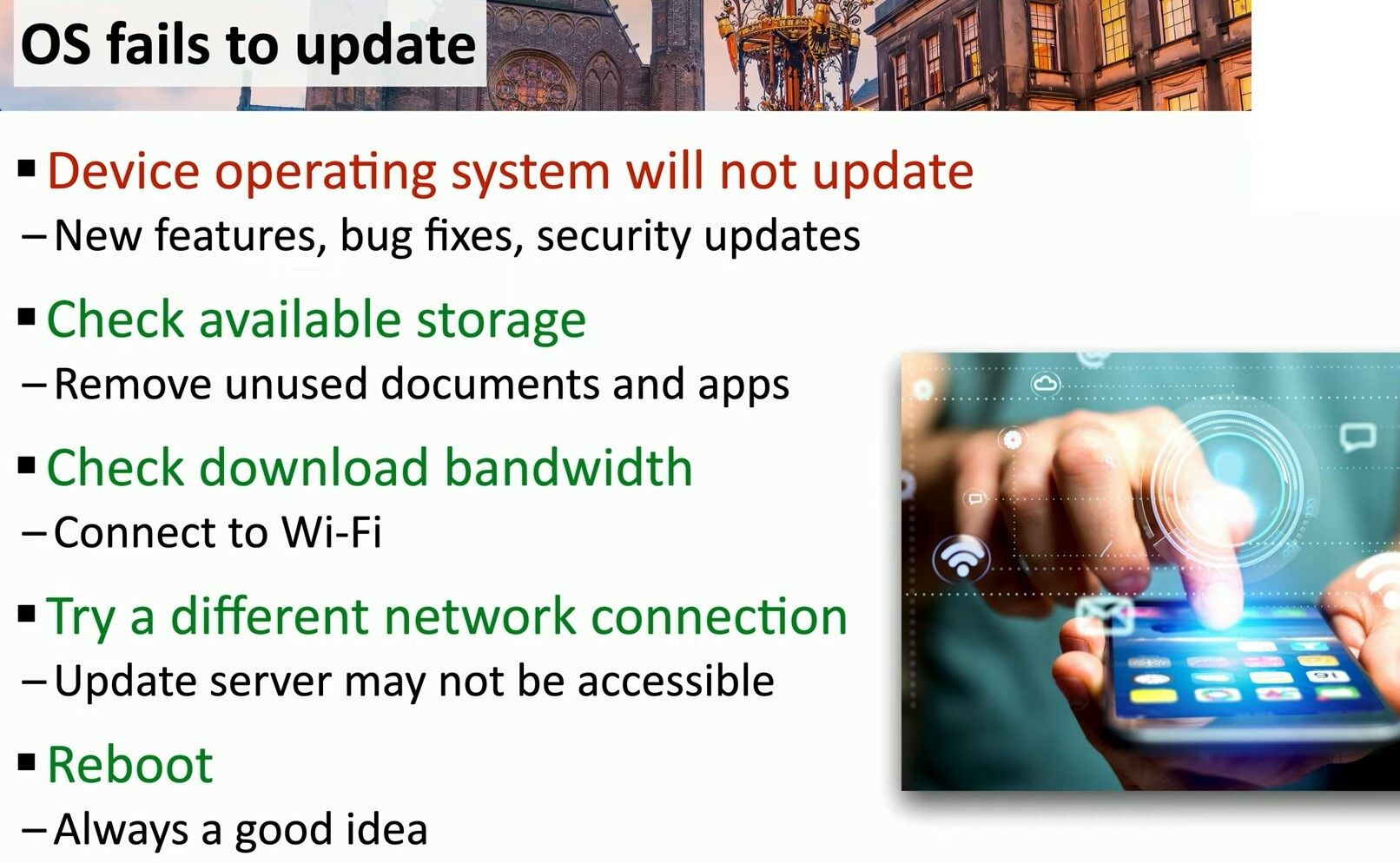
Here is a quick, battle-tested checklist to get your device back on track:
- Check Your Available Storage: OS updates need plenty of breathing room to download and unpack. Head into your settings and clear out old downloads, duplicate photos, or those unused apps gathering digital dust.
- Verify Download Bandwidth: Spotty mobile data won’t cut it for heavy system files. Switch over to a stable, high-speed Wi-Fi network so the download doesn’t time out halfway through.
- Switch Network Connections: Sometimes, local firewalls, DNS hiccups, or ISP routing issues prevent your device from reaching the official update servers. Try connecting to a different Wi-Fi network or hotspot to bypass the roadblock.
- When in Doubt, Reboot: It’s the oldest trick in the IT book for a reason! A quick restart clears temporary cache glitches and resets background services that might be blocking the installation.
Explore more step-by-step guides, networking fixes, and practical tech tricks directly on my website at https://matteocasiraghi.it 🌐💡.
#Troubleshooting #ITSupport #MobileTech


Leave a Reply