 homepage | the beginning of


When setting up a PC with Windows 10 or 11, a common question pops up: “Do I still need to install a third-party antivirus?” In the past, downloading external security software was essential. Today, Microsoft has revolutionized built-in protection with Microsoft Defender Antivirus.
Built Natively into Windows 10 and 11
Microsoft Defender Antivirus comes integrated right out of the box in Windows 10 and 11. That means no extra fees and no third-party software required. It delivers real-time defense against viruses, malware, and ransomware without draining system resources or nagging you with subscription pop-ups.
Understanding the Naming Evolution
If you search your system, you might not see the label “Microsoft Defender Antivirus” directly. The branding has evolved over time:
- Windows Defender: The original name familiar to Windows users.
- Microsoft Defender Antivirus: The actual engine protecting your device.
- Windows Security: The primary app hub housing all security tools.
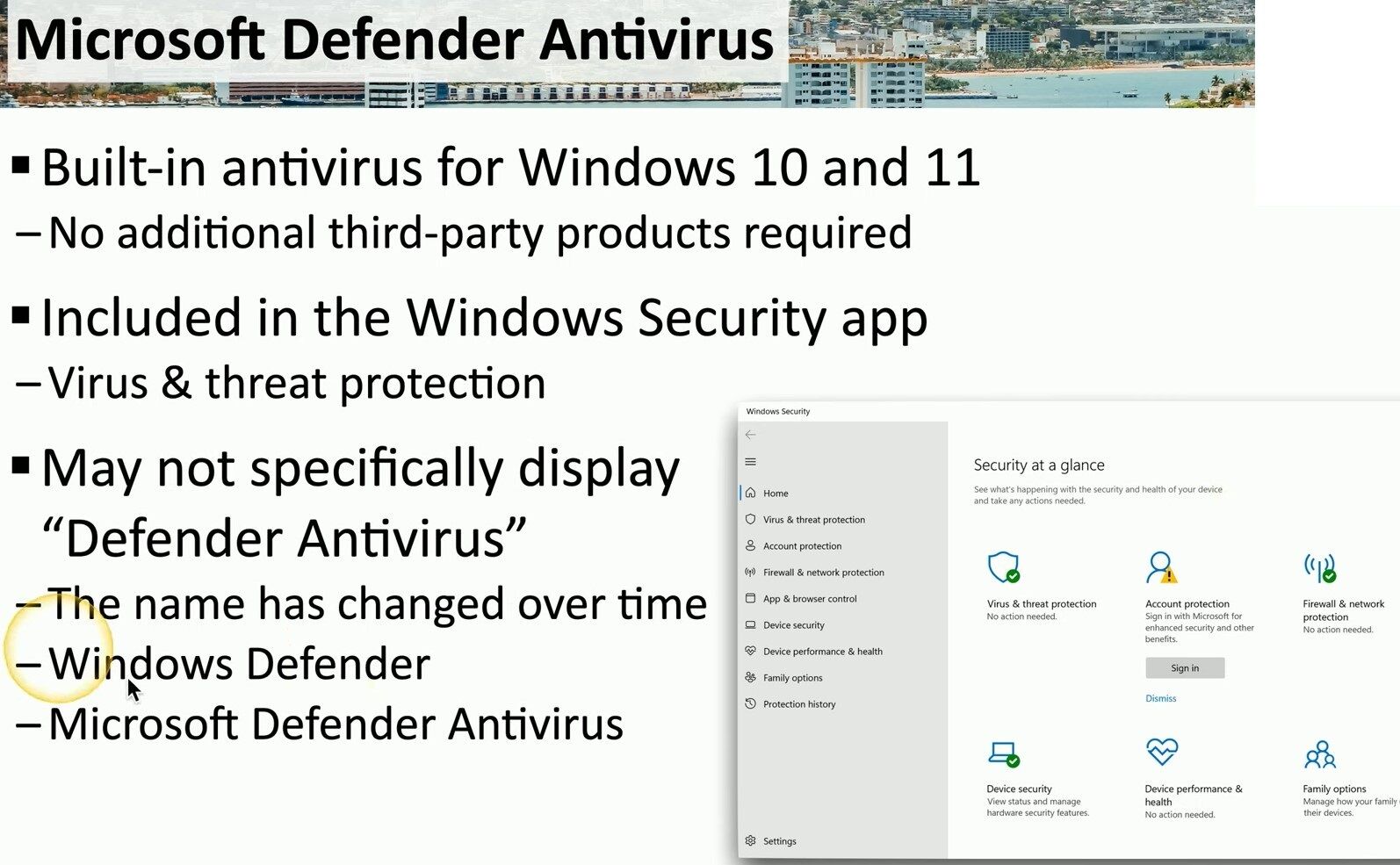
Security at a Glance Dashboard
Opening the Windows Security app reveals a smart Security at a Glance panel managing vital security features:
- Virus & threat protection: Real-time scanning and threat detection.
- Account protection: Keeping your login details and credentials safe.
- Firewall & network protection: Controlling network traffic and safety.
- App & browser control: Shielding against unsafe web content & downloads.
- Device security & health: Monitoring core hardware and system performance.
Microsoft Defender provides comprehensive, reliable protection that keeps your system fast and secure. You get top-notch security without unnecessary third-party software. For more practical IT insights and technical solutions, visit matteocasiraghi.it
#MicrosoftDefender #WindowsSecurity #CyberSecurity


Leave a Reply