 homepage | the beginning of


Is your printer acting up or covered in paper dust? Cleaning it is easy, but doing it wrong can cause a massive mess—or worse, permanent static damage!
Here is how to safely remove debris and keep things running smoothly:
- Banish the Dust: This method is perfect for small amounts of paper bits and dust. But never try this if there is loose toner inside!
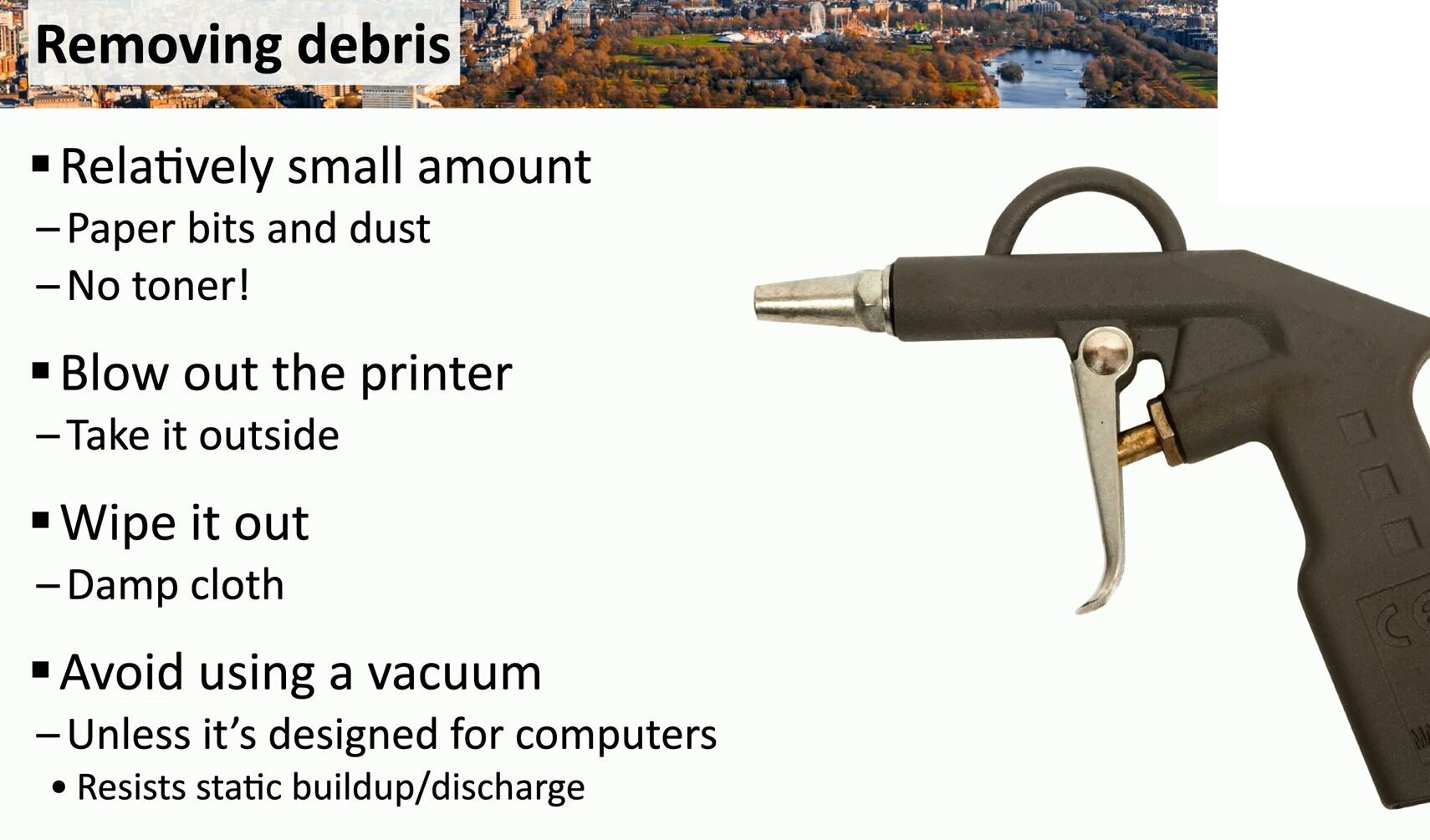
- Blow it Out: Grab a compressed air duster and always take the printer outside before you blow it out. Trust us, your office air quality will thank you!
- Wipe it Down: Gently clean the remaining residue using a simple, slightly damp cloth.
- Ditch the Standard Vacuum: Normal household vacuums build up static electricity that can easily fry sensitive circuits. Only use a vacuum specifically designed for computers that resists static buildup and discharge.
Want more practical IT and hardware maintenance tips? Visit https://matteocasiraghi.it for expert tech advice!
#PrinterMaintenance #TechTips #ITSupport


Leave a Reply