 homepage | the beginning of

Secure Shell (SSH): The Encrypted Alternative to Telnet
Secure Shell (SSH) is a network protocol designed to provide secure communication over an unsecured network. It is widely used for remote server access and management. SSH ensures data confidentiality and integrity through strong encryption, making it a significant improvement over its predecessor, Telnet.
SSH operates over TCP port 22 and encrypts the entire communication session, preventing data from being intercepted or tampered with during transmission. This includes login credentials, commands, and outputs, ensuring the security of sensitive information.
While SSH replaces Telnet, it mirrors much of Telnet’s functionality. Telnet operates on TCP port 23 and provides unencrypted communication, exposing sensitive data like passwords to potential eavesdroppers. SSH eliminates this vulnerability while maintaining the same usability, making the transition seamless for users familiar with Telnet.
Key Features of SSH
- Encryption: SSH employs cryptographic algorithms like RSA or DSA for authentication and secure data transfer.
- Secure Remote Login: Users can remotely log into servers without risking credential exposure.
- File Transfer: Protocols like SCP (Secure Copy) and SFTP (Secure File Transfer Protocol) are built on SSH, providing secure methods for transferring files.
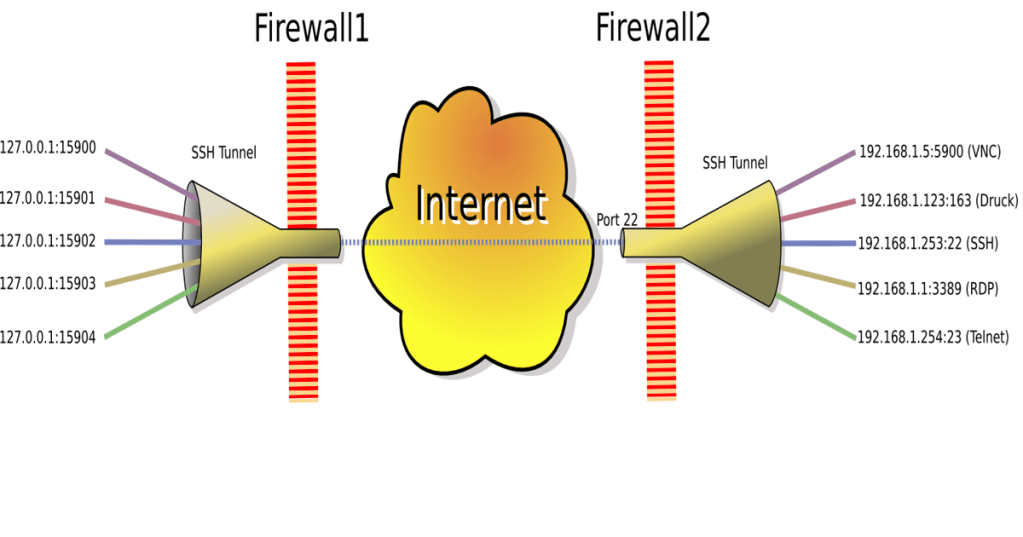
- Tunneling: SSH can create encrypted tunnels for other protocols, offering an additional layer of security.
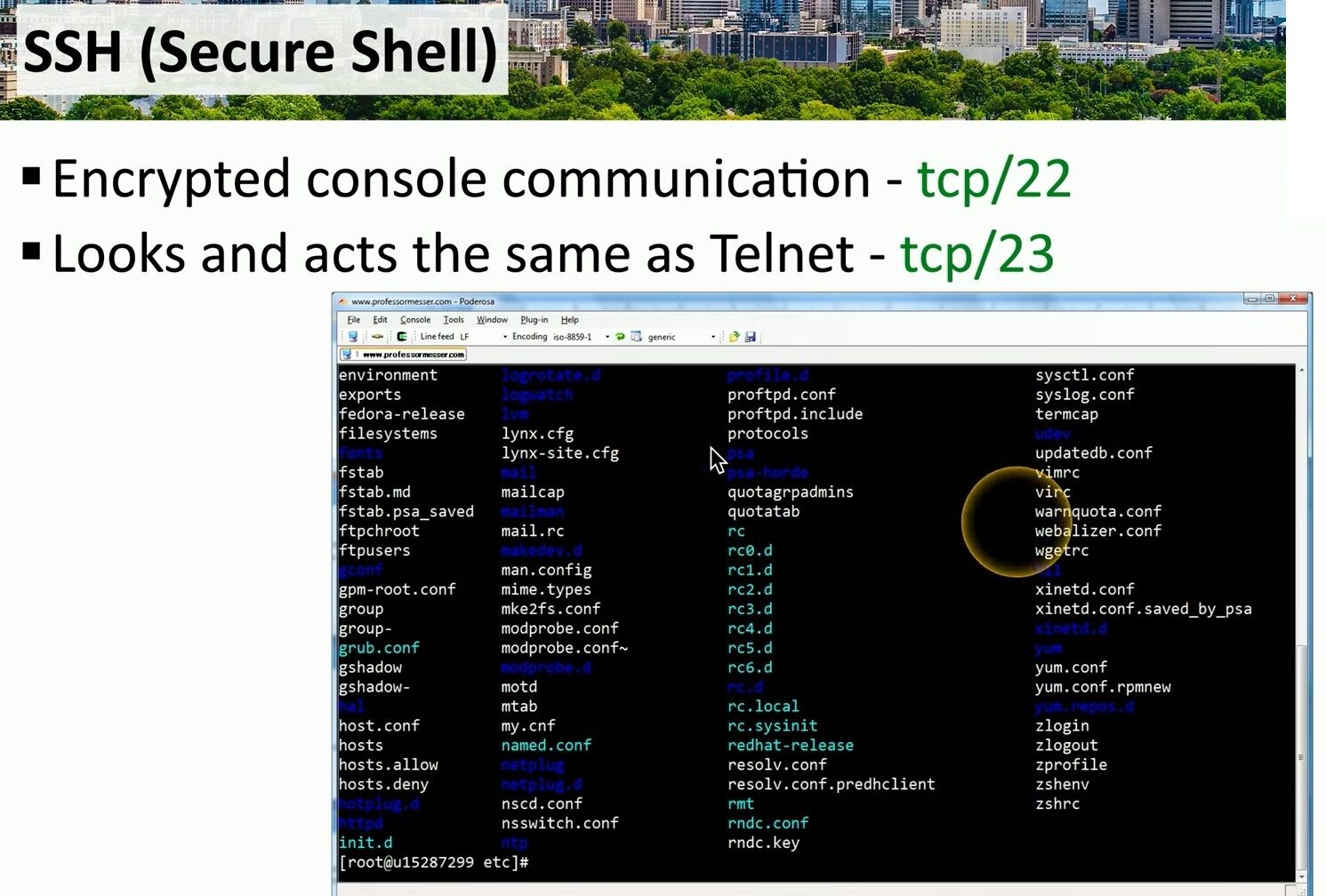
The image above illustrates an SSH session in action. Users interact with remote systems through a command-line interface, executing commands and navigating directories securely. Notice the syntax and interface, which closely resemble those of Telnet, ensuring familiarity for seasoned users.
Why Choose SSH Over Telnet?
- Security: The encryption of SSH is its primary advantage, protecting against man-in-the-middle attacks and unauthorized access.
- Versatility: SSH supports additional functionalities like tunneling and port forwarding.
- Widely Supported: Most modern operating systems, including Linux, macOS, and Windows, natively support SSH, making it a universal solution.
SSH is the cornerstone of secure remote administration and communication in modern IT environments. Its ability to encrypt data, coupled with its similarity to Telnet, ensures both security and ease of use. Transitioning from Telnet to SSH is not just an upgrade—it’s a necessity for maintaining the integrity and confidentiality of your network interactions.
#SSH #SecureShell #CyberSecurity
 the beginning of matching tips
Leave a comment