 homepage | the beginning of

Ever tried sending an urgent document to your network printer, only to discover it has completely “vanished” overnight? 🖨️✨ Welcome to the unpredictable world of purely dynamic IP addressing!
By default, DHCP (Dynamic Host Configuration Protocol) acts like a busy host. It automatically assigns IP addresses on a first-come, first-served basis from a pool of available addresses.
While this works effortlessly for smartphones or laptops, there is one major catch: your IP address will occasionally change!
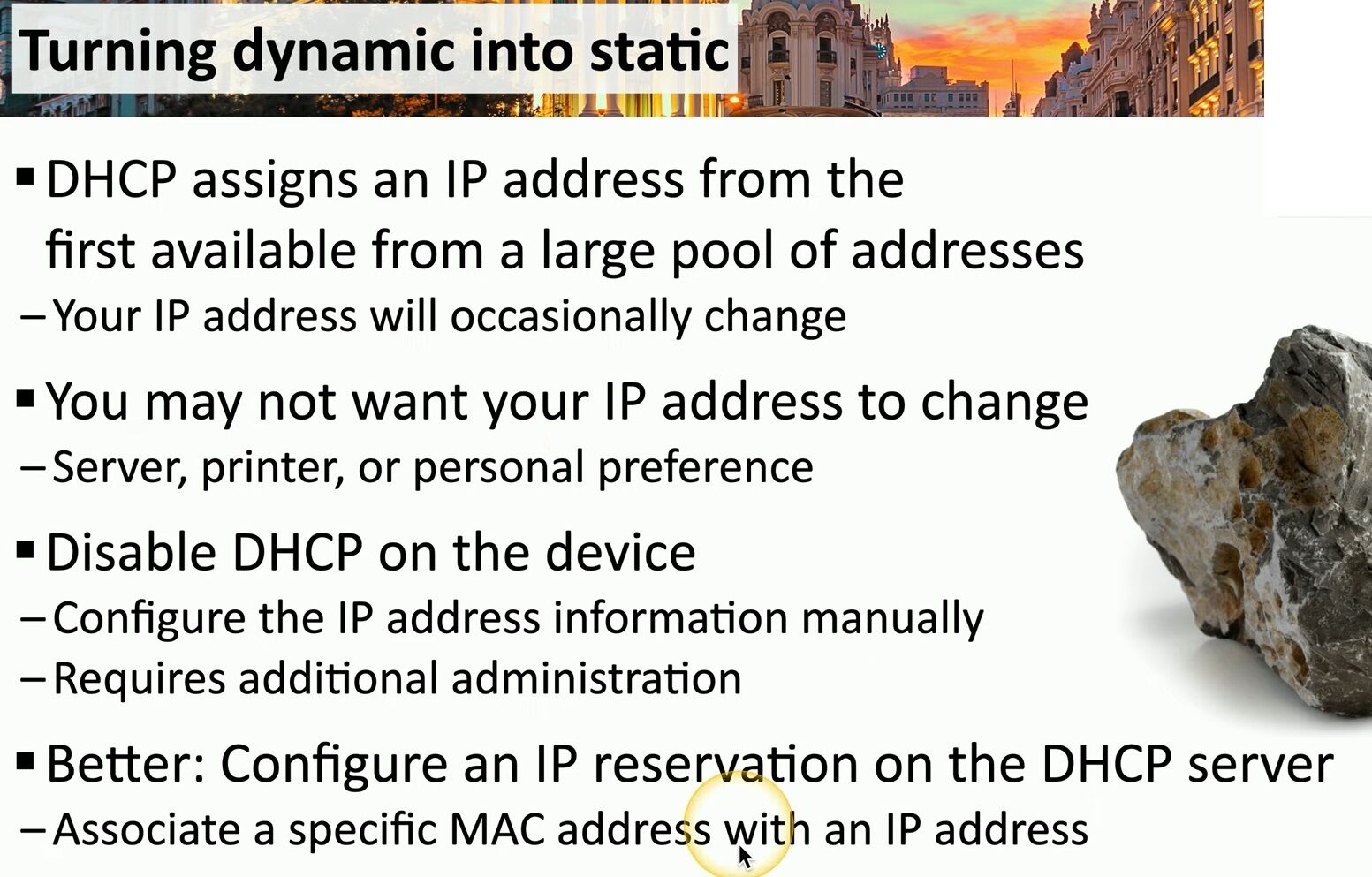
For critical devices—like local servers, shared office printers, NAS storage, or personal home-lab setups—a changing IP address leads to broken links, dropped connections, and unnecessary troubleshooting headaches. 🤦♂️
So how do we transform something dynamic into something static, set in stone like a solid rock? 🗿
• Method 1: Disable DHCP on the device. You manually configure the IP address parameters. While functional, it requires additional administration and manual tracking.
• Method 2 (The Best Way): Configure an IP reservation on the DHCP server! 💡 By associating a specific MAC address with a fixed IP address, you gain centralized management with rock-solid IP consistency.
Looking for more practical networking tips, technical guides, and infrastructure advice? Visit my website at https://matteocasiraghi.it 🌐🚀
#Networking #DHCPServer #IPReservation


Leave a Reply