 homepage | the beginning of

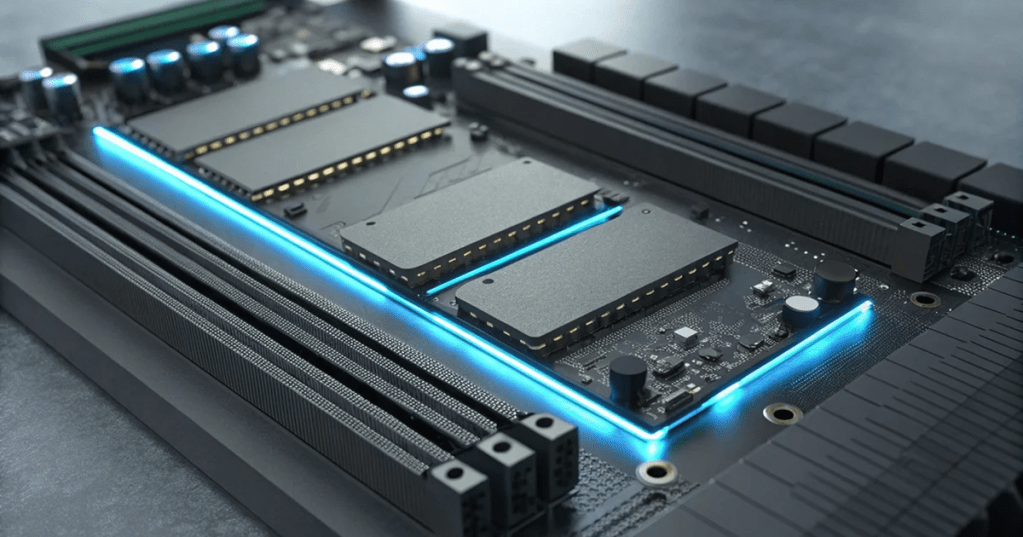
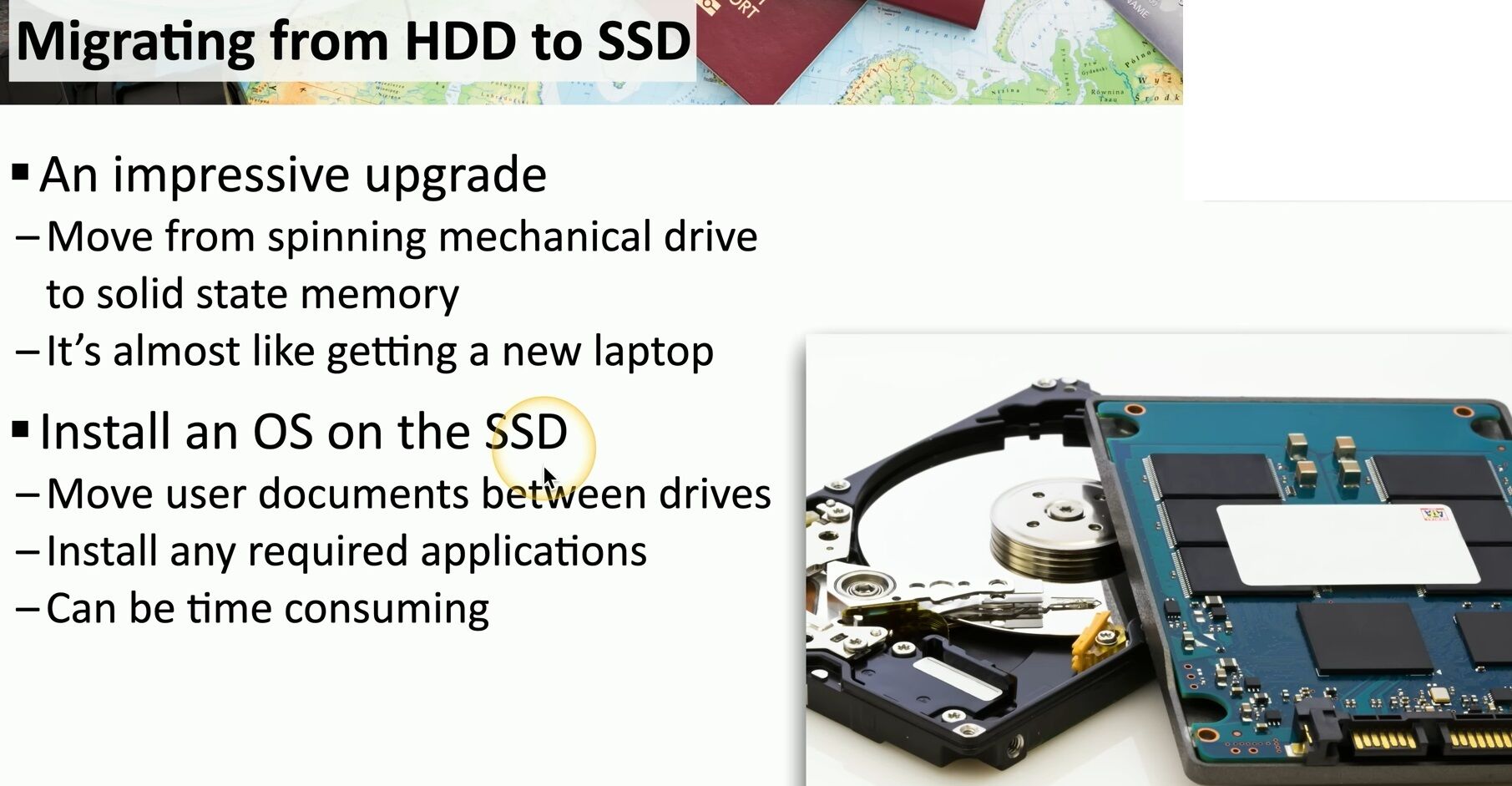
Upgrading from a traditional Hard Disk Drive (HDD) to a Solid State Drive (SSD) remains one of the most impactful hardware improvements you can perform. As highlighted in the provided image, moving from spinning mechanical platters to flash-based memory is a transformative experience. For many users, this single change provides a performance boost so significant that it feels like using a brand-new laptop.
Architecture: Mechanical vs. Flash
The most fundamental difference lies in how data is accessed.
- HDD (Hard Disk Drive): Relies on physical spinning platters and a moving read/write head. Performance is limited by “seek time” (the physical time it takes for the head to find data).
- SSD (Solid State Drive): Uses NAND Flash memory with no moving parts. Data is accessed electronically, virtually eliminating latency.
Interface: SATA vs. NVMe
While both SATA and NVMe SSDs use flash memory, the interface is the bottleneck.
- SATA (AHCI): Designed for mechanical disks. It uses a single command queue (32 commands deep), capping speeds at roughly 560 MB/s.
- NVMe (PCIe): Designed specifically for flash. It connects directly to the CPU via PCIe lanes, supporting up to 64,000 queues. This allows speeds from 3,500 MB/s (Gen 3) to over 14,000 MB/s (Gen 5).
#ITUpgrade #SSD #TechConsulting
Visit my website for more technical insights: matteocasiraghi.it
 the beginning of matching tips
Leave a comment