 homepage | the beginning of

The Do’s and Don’ts of Laser Printer Cleaning
In the world of Information Technology, hardware longevity is directly tied to maintenance discipline. Laser printers, while robust, are notorious for accumulating toner particles and paper dust, which can lead to mechanical failure or poor print quality if handled incorrectly.
Key Cleaning Protocols
The attached guide highlights critical safety and technical steps that every IT professional should follow:
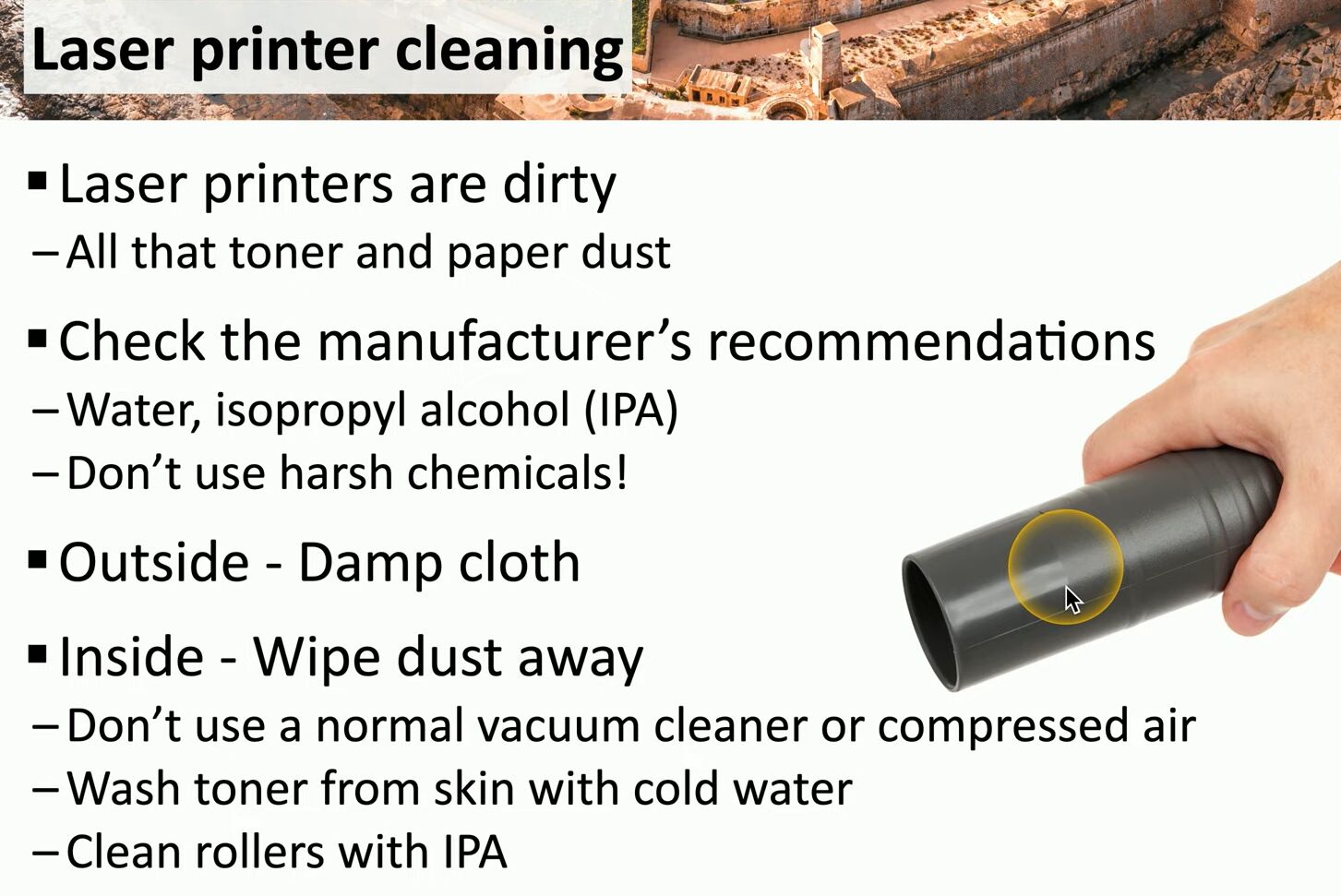
- Chemical Sensitivity: Always prioritize the manufacturer’s guidelines. While Isopropyl Alcohol (IPA) is the standard for cleaning rubber rollers to maintain grip, never use harsh chemicals on delicate internal components.
- The Vacuum Myth: Never use a standard household vacuum cleaner. Toner particles are fine enough to pass through regular filters and can be statically charged, potentially damaging the vacuum or dispersing dust back into the air. Use a dedicated ESD-safe toner vacuum instead.
- Personal Safety: If toner makes contact with your skin, use cold water only. Hot water will melt the toner particles, causing them to fuse to your skin or clothing.
Proper maintenance not only ensures crisp documents but also extends the lifecycle of your office hardware investments.
Stay Updated
For more technical insights and IT consultancy services, visit my official platforms:
Link: matteocasiraghi.it
#PrinterMaintenance #ITConsulting #TechTips
 the beginning of matching tips
Leave a comment