 homepage | the beginning of


🛠️ Mastering Windows Services: Behind the Scenes of Your OS
Have you ever wondered what keeps your computer running smoothly even when you aren’t clicking anything? The answer often lies in Services. 🖥️⚙️
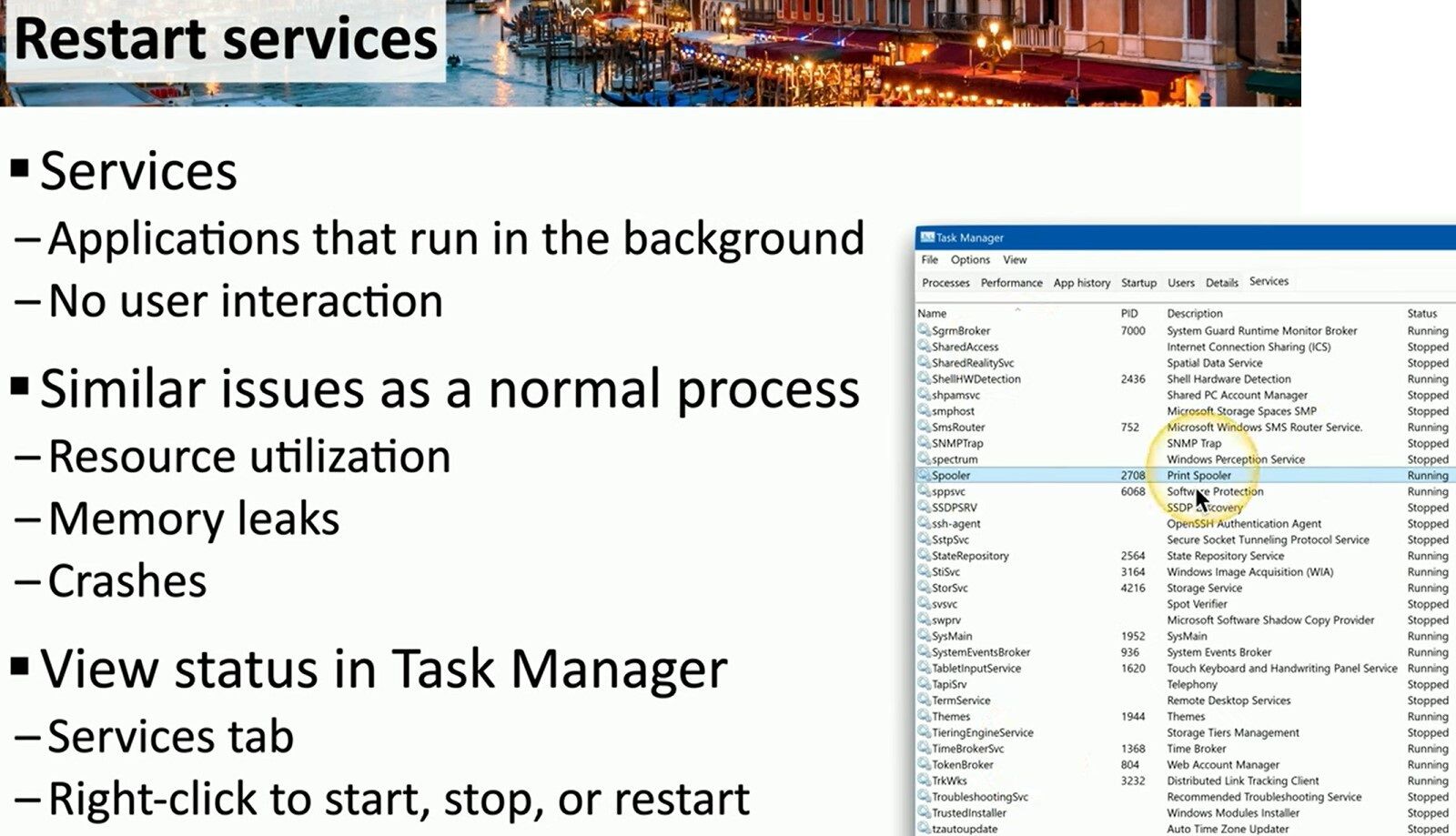
As shown in the slide, services are applications that run in the background with absolutely no user interaction. While invisible, they are critical to your system’s health. However, just like normal processes, they can face performance issues. 📉⚠️
Are you experiencing system slowdowns? It might be due to resource utilization, memory leaks, or unexpected crashes within these hidden services.
How to Troubleshoot:
You don’t need complex tools to fix this. You can view the status of any service directly in the Task Manager under the Services tab.
If a service is stuck—like the “Spooler” often is when printing fails—simply right-click it to start, stop, or restart the process instantly. 🖱️🔄
Taking control of your background processes is a key skill for any IT enthusiast or professional. 💼🚀
🔗 Read more and connect with me for technical consulting:
matteocasiraghi.it
#WindowsTips #SysAdmin #TechSupport
 the beginning of matching tips
Leave a comment