 homepage | the beginning of


📶 Troubleshooting Intermittent Wireless Connectivity: A Quick Guide 📶
Are you battling an unstable Wi-Fi connection? 😠 Unreliable wireless connectivity can be a major productivity killer. Often, the solution lies in a few key areas. Let’s break down the most common culprits behind intermittent wireless issues. 🧐
💡 Here are 5 common causes to investigate:
1️⃣ Interference 📡: Your Wi-Fi might be competing for airtime! Many common devices, like microwaves or cordless phones, use the same 2.4 GHz frequency. Identifying and isolating these sources can significantly improve your signal.
2️⃣ Signal Strength 📊: A weak signal is a primary suspect. This isn’t just about the distance; it involves the entire chain: the transmitting signal’s power, the quality of the transmitting and receiving antennas, and physical obstructions.
3️⃣ Incorrect Channel 📺: Wi-Fi networks operate on different channels. While most access points select a channel automatically, congested areas can lead to overlap. A quick look at manual channel tuning might resolve hidden conflicts. #WiFiTroubleshooting #TechTips #NetworkHealth
4️⃣ Bounce and Latency 🌊: Also known as “multipath interference,” this occurs when Wi-Fi signals bounce off flat surfaces (like walls and furniture), causing multiple signal paths to arrive at the receiver at slightly different times, confusing the device.
5️⃣ Incorrect Access Point Placement 📍: The simplest solution is often the most effective. Ensure your access point is located as close to the users as possible, with minimal physical barriers in between.
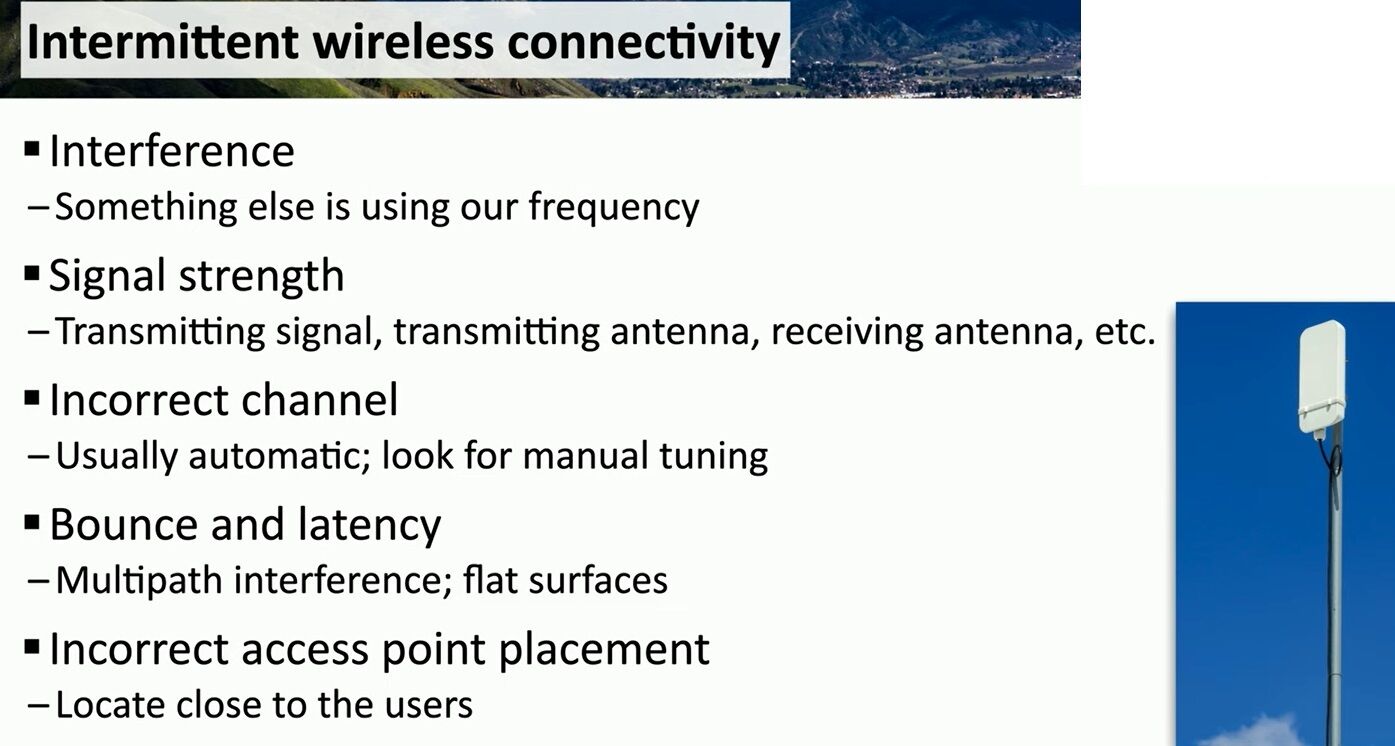
By systematically checking these points, you can diagnose and solve most intermittent connectivity problems, ensuring a more stable and reliable wireless experience. ✨
For more in-depth articles and tech insights, visit my website! 👇
🔗 Visit and learn more at: https://www.matteocasiraghi.it
#Connectivity #Wireless #ITPro
 the beginning of matching tips
Leave a comment