 homepage | the beginning of


Harnessing the full power of Microsoft 365 goes beyond just email. Let’s delve into its robust synchronization and cloud archiving capabilities, especially pertinent to Outlook and Exchange:
Microsoft 365, at its core, leverages a sophisticated cloud infrastructure to ensure seamless data flow and robust storage.
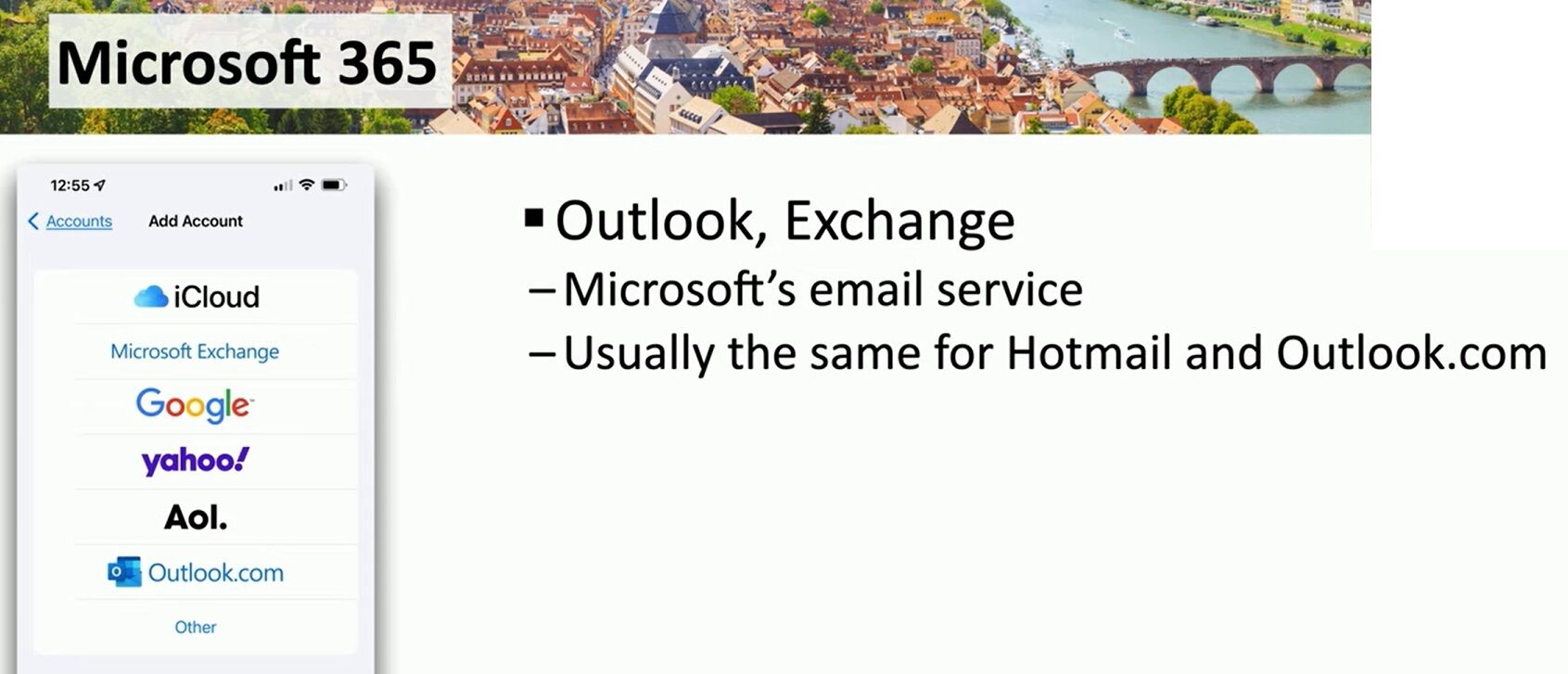
When we talk about “Outlook, Exchange,” we’re discussing Microsoft’s premier email service, which forms the backbone of its communication suite. This isn’t just about sending and receiving messages; it’s about a fully integrated ecosystem designed for efficiency and data integrity.
Synchronization Powerhouse:
The synchronization within Microsoft 365 is bidirectional and real-time. Whether you access your emails, calendars, contacts, or tasks from an iPhone (as hinted by the image), a desktop client, or a web browser, changes made on one device are immediately reflected across all others. This is achieved through Exchange Online, the cloud-based messaging platform.
- ActiveSync/Exchange ActiveSync (EAS): This protocol is key for mobile device synchronization, enabling push email, calendar, and contact updates. It ensures your mobile experience is as up-to-date as your desktop.
- MAPI over HTTP: For desktop Outlook clients, this protocol provides a more resilient and efficient connection to Exchange Online than older methods, leading to faster synchronization and improved reliability, even on unreliable networks.
Cloud Archiving for Compliance and Efficiency:
Microsoft 365’s archiving capabilities are a game-changer for both individual users and organizations, especially those dealing with vast amounts of email data and regulatory compliance requirements.
- In-Place Archiving: This feature allows users to move older email items from their primary mailbox to an archive mailbox, which is also stored in the cloud. This significantly reduces the size of the primary mailbox, improving Outlook client performance, while keeping the archived data readily accessible.
- Retention Policies & Litigation Hold: For businesses, Microsoft 365 offers advanced compliance features. You can set retention policies to automatically delete or preserve emails after a certain period, crucial for data governance. Litigation Hold prevents specific mailbox content from being permanently deleted, even if users attempt to delete items, essential for legal discovery.
- Unlimited Archiving: For many enterprise plans, Microsoft offers “unlimited” archiving, meaning the archive mailbox can grow indefinitely as needed, providing peace of mind for long-term data retention.
The seamless integration of Outlook/Exchange with Microsoft 365’s cloud infrastructure means your email, calendar, and contact data are not just stored, but intelligently managed, synchronized, and archived, providing unparalleled accessibility and data security. This applies whether you’re using an @hotmail.com, @outlook.com, or a custom domain email address through Microsoft 365.
For more “matching tips” on optimizing your digital workflow, visit:
#Microsoft365 #CloudComputing #EmailManagement
 the beginning of matching tips
Leave a comment