 homepage | the beginning of

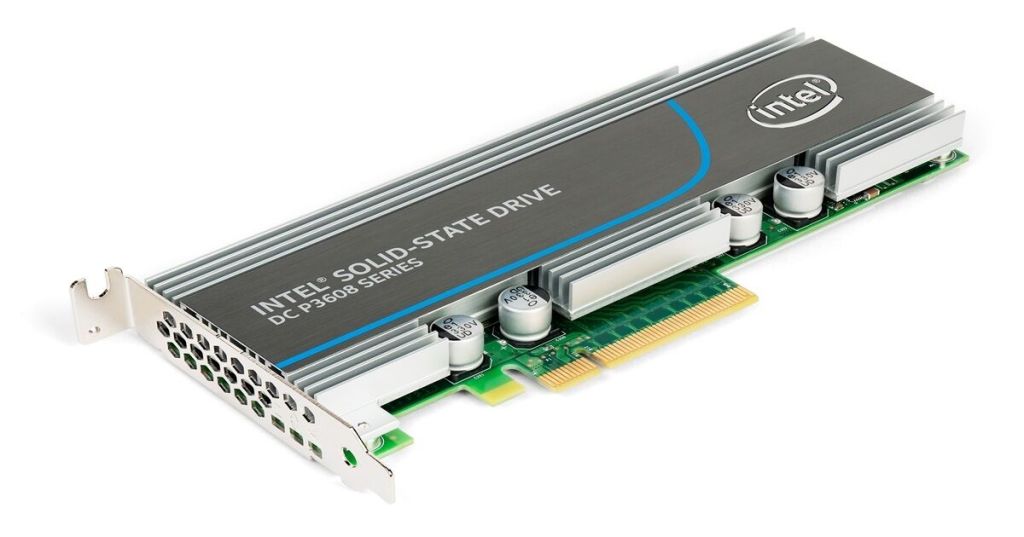
🧩 Understanding PCI, PCIe x1, x4, and x16 Slots: A Technical Insight
Modern motherboards integrate multiple expansion slots to enhance a system’s functionality. In this zoomed-in view, we can observe several crucial interfaces: PCI, PCI Express x1, x4, and x16. Understanding their differences is essential for choosing the right upgrade or expansion path.ù
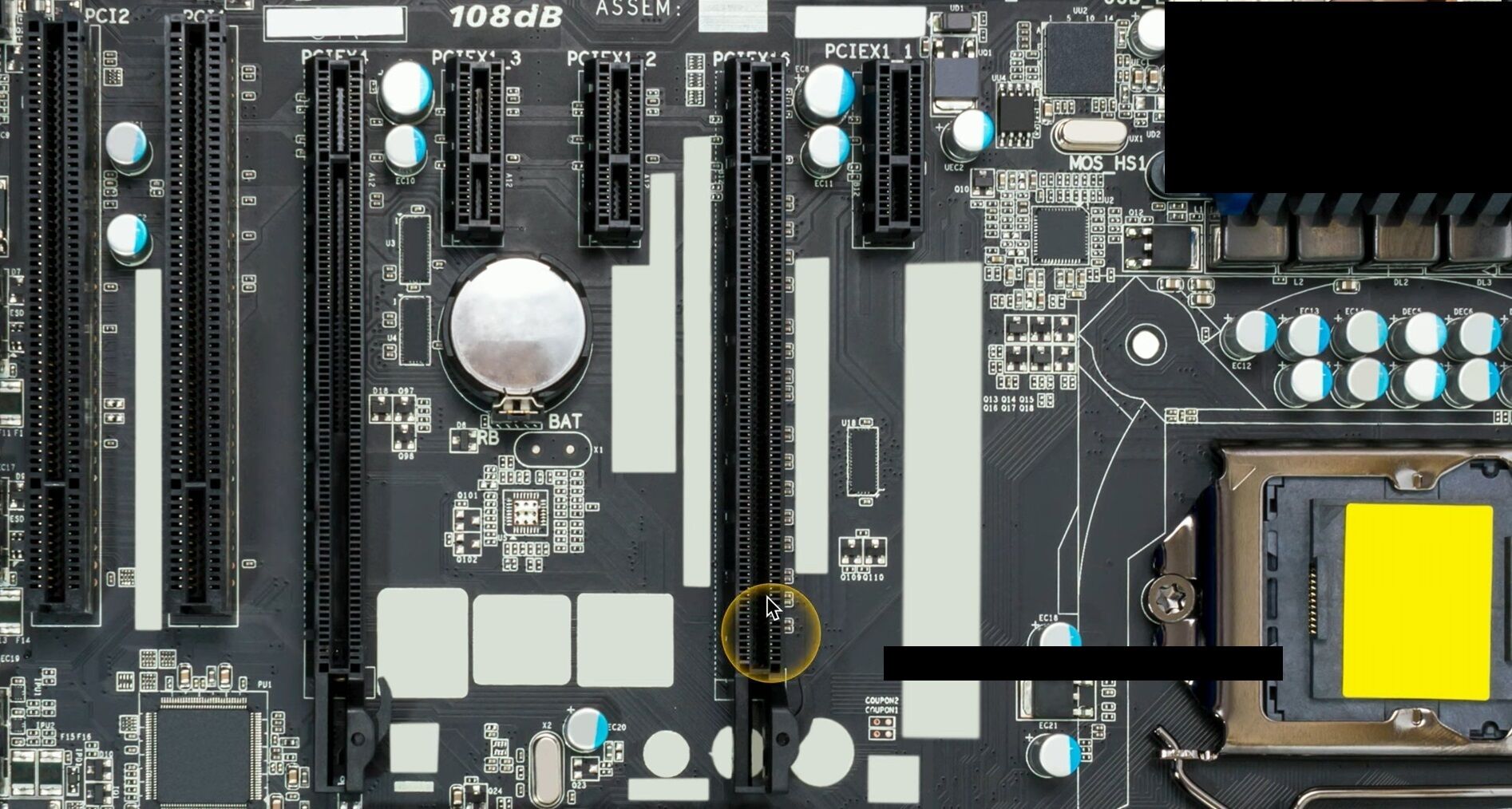
🔹 PCI (Peripheral Component Interconnect)
Now largely legacy, the PCI slot was once the standard for expansion cards. It supports devices like older sound cards, modems, and network adapters. With limited bandwidth (133 MB/s), it’s rarely used in modern builds but still appears in some industrial or backward-compatible systems.
🔹 PCI Express (PCIe)
The PCIe architecture has replaced PCI, offering point-to-point serial connections and multiple lane configurations:
- PCIe x1: Ideal for network adapters or USB expansion cards. One lane means lower bandwidth, but sufficient for low-throughput devices.
- PCIe x4: Balances size and performance, used for RAID controllers, SSDs (NVMe via adapter), or capture cards.
- PCIe x16: Designed for high-bandwidth devices like GPUs. It provides maximum throughput among common PCIe slots, supporting modern gaming and workstation graphics cards.
🔧 Tip for Builders:
Always consult your motherboard manual to confirm slot version.
📎 Want to master the structure of your system? Read more on Matching Tips
#PCIBus #MotherboardSlots #HardwareEngineering
 the beginning of matching tips
Leave a comment