 homepage | the beginning of

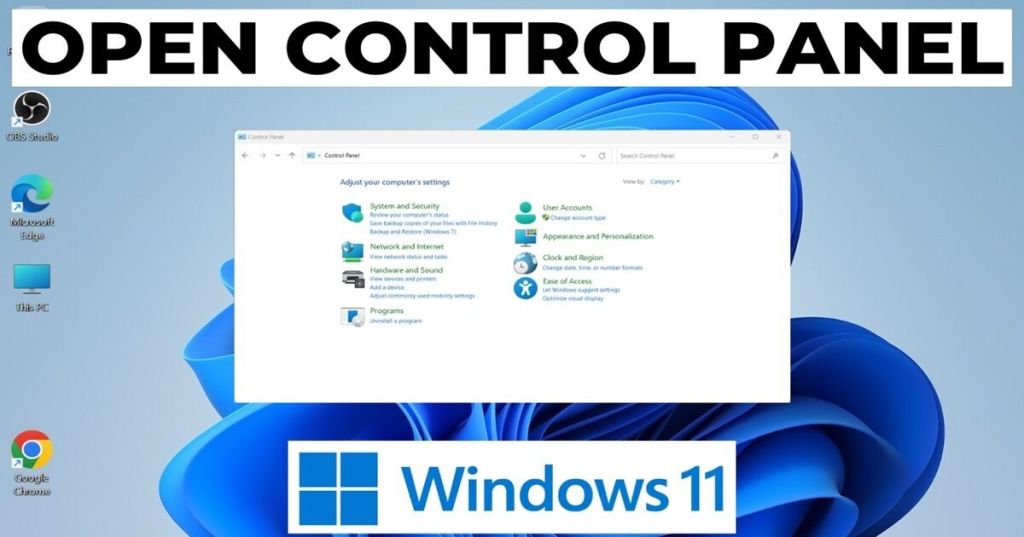
Exploring Network Properties: Understanding Your Wired Connection
Within the operating system’s control panel lies a powerful set of tools for managing network connections. Understanding the information available within these “Network Properties” is crucial for both troubleshooting and configuring your wired network (Ethernet) effectively.
The Ethernet cable provides a direct physical connection, often the most stable and fastest. The OS typically sets it as the default.
In the Ethernet adapter properties, you’ll find: network clients and services, protocols (key one being Internet Protocol Version 4 (TCP/IPv4)), Link-Layer Topology Discovery, and QoS Packet Scheduler.
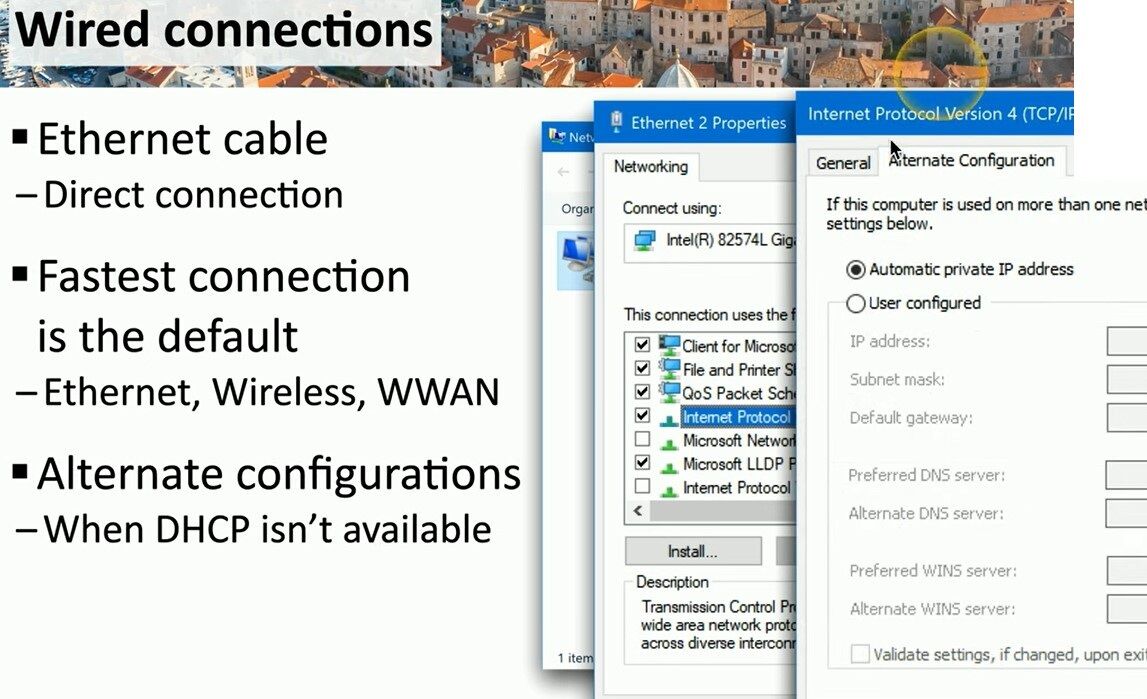
Configuring TCP/IPv4 properties manages the IP address:
- Automatic (DHCP): The DHCP server (usually your router) automatically assigns IP, subnet mask, and gateway. This is the primary configuration.
- Manual (Static): For specific devices (servers), you manually set the IP parameters.
- Alternate Configuration: When DHCP is unavailable, Windows uses APIPA (Automatic Private IP Addressing), assigning a private IP (169.254.x.x) for local communication. You can also pre-configure an alternate static IP.
Understanding these settings is vital for connectivity and troubleshooting.
#NetworkConfiguration #Ethernet #TCP_IP
➡️ Discover more on network management on my website! matteocasiraghimc.wordpress.com
 the beginning of matching tips
Leave a comment