 homepage | the beginning of


Understanding Storage Space Requirements for Applications
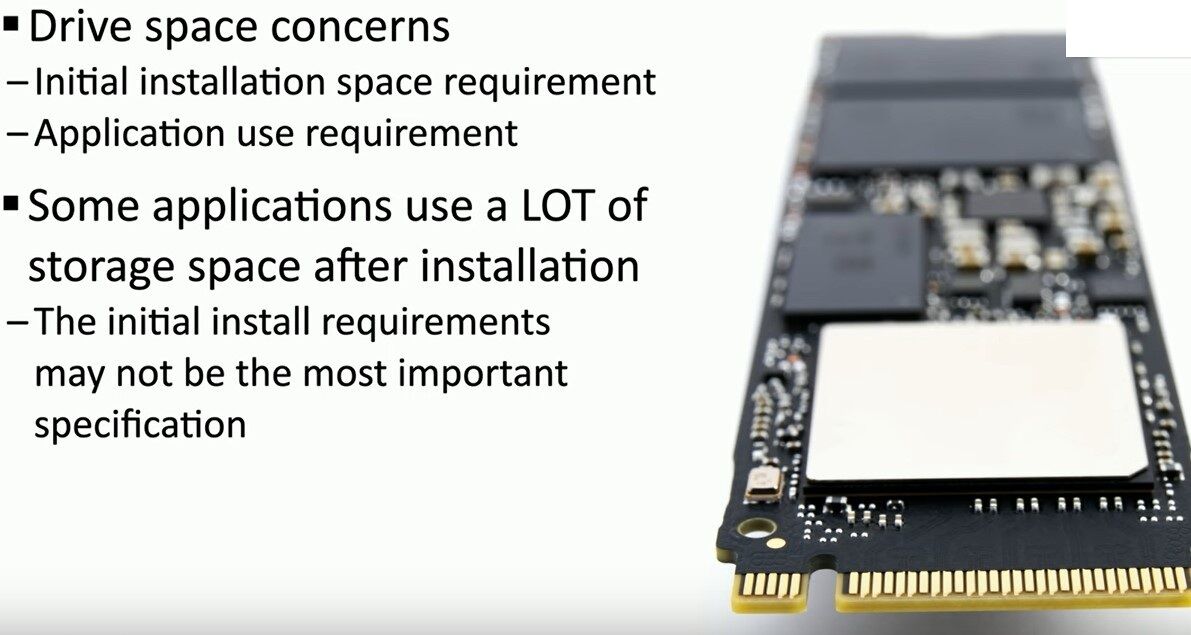
Storage space is a critical factor when installing and using applications. Many users focus only on the initial installation size, but this is not always the best indicator of the actual space required.
🔹 Installation Space vs. Usage Space
An application’s installer may specify a small disk space requirement, but once installed, it could expand significantly due to updates, cache, logs, and user-generated data. For example, Adobe Photoshop may require around 5GB initially, but over time, its cache and temporary files can exceed 20GB.
🔹 Post-Installation Growth
Some applications,
such as browsers, design tools, and office suites, create temporary and cached files that accumulate over time, consuming valuable SSD or HDD space. Google Chrome, for instance, can start with a small footprint but generate multiple gigabytes of cached data. Similarly, Microsoft Teams stores meeting recordings and chat logs, quickly consuming storage.
🔹 Games & Development Tools
Video games
are notorious for taking up massive amounts of space. A game like Call of Duty: Warzone may start at 100GB, but regular updates and patches push it well beyond 200GB. Likewise, Android Studio and Xcode for app development start at a few gigabytes but grow significantly with SDKs and libraries.
Understanding these factors can help users manage their disk space more efficiently and avoid performance bottlenecks.
#StorageManagement #SSDPerformance #DiskSpace
 the beginning of matching tips
Leave a comment