 homepage | the beginning of


Understanding Disk Formatting: Quick vs. Regular Format
Disk formatting is an essential process for preparing a storage device for data storage. It ensures the system can read, write, and manage files efficiently. There are different levels of formatting, each serving a specific purpose.
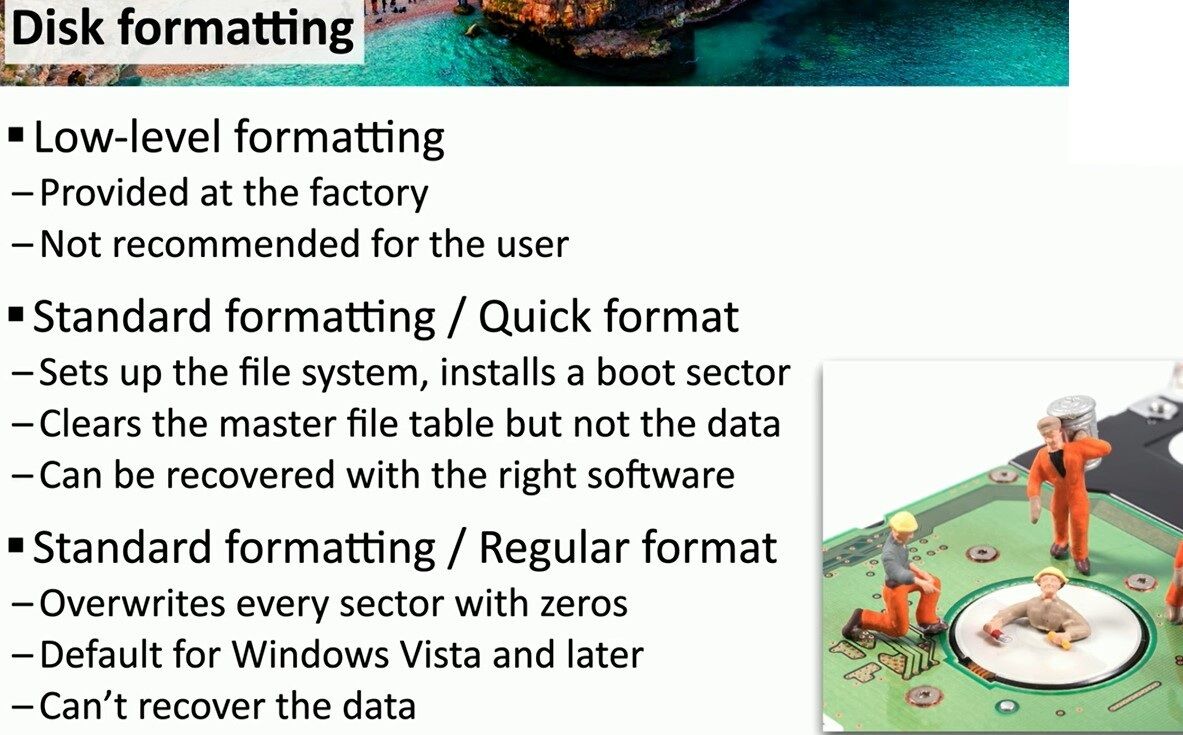
1️⃣ Low-Level Formatting
This process is performed by the manufacturer at the factory and is not intended for end users. It structures the physical sectors of the disk but does not create a file system.
2️⃣ Standard Formatting – Quick Format
A quick format initializes the file system and installs a boot sector. However, it only clears the master file table (MFT) or file allocation table (FAT) while leaving the actual data intact. This means files can still be recovered using specialized software.
3️⃣ Standard Formatting – Regular Format
A regular format overwrites every sector with zeros, making data recovery impossible. Since Windows Vista, this has become the default option to enhance security by ensuring old data is completely erased.
💡 Which One Should You Use?
- Use quick format if you need a fast reinstallation and don’t need to erase sensitive data.
- Use regular format if you’re disposing of a drive or ensuring data security.
For more insights, visit Matching Tips:
🔗 Matching Tips – Learn More
#DataSecurity #DiskManagement #CyberSecurity
 the beginning of matching tips
Leave a comment