 homepage | the beginning of


FAT, FAT32, exFAT: Understanding File Systems for Storage Devices
Efficient file storage depends on the right file system. FAT, FAT32, and exFAT are three widely used formats, each with specific advantages and limitations. Let’s break down their key characteristics.
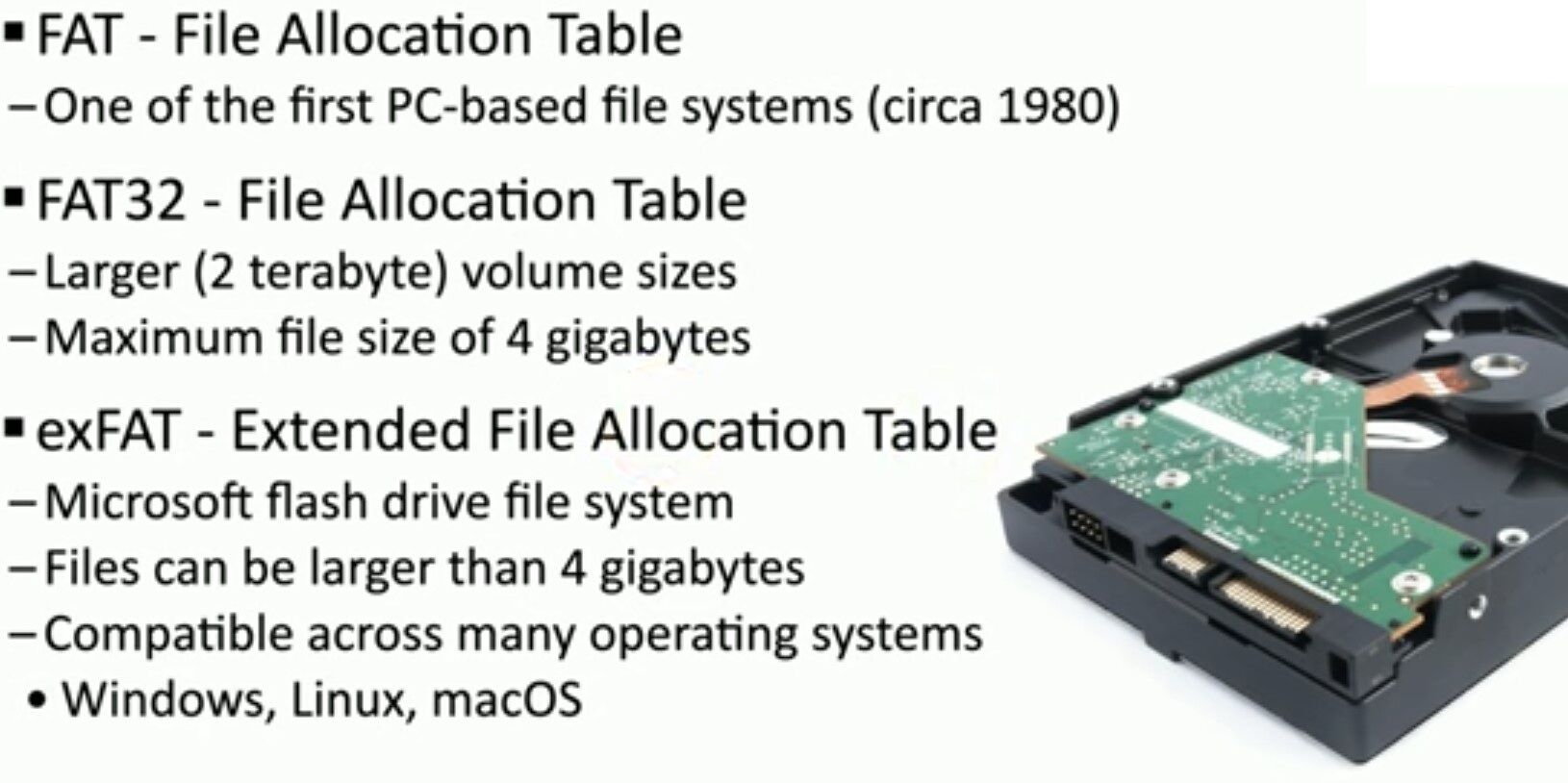
FAT – The Legacy File System
The File Allocation Table (FAT) was introduced in the early 1980s and became the standard for early PCs. It is simple and lightweight but has significant limitations:
- Maximum file size: 2GB
- Maximum partition size: 4GB
- No modern security features or journaling
Due to these constraints, FAT is now rarely used except in legacy systems.
FAT32 – Improved Compatibility with Limitations
FAT32, an evolution of FAT, supports larger storage devices:
- Maximum file size: 4GB
- Maximum partition size: 2TB
- Widely supported by Windows, Linux, macOS, and embedded devices
However, the 4GB file size limit is a major drawback, especially for high-resolution video files or large disk images.
exFAT – Optimized for Flash Storage
Microsoft introduced exFAT to address FAT32’s limitations, making it ideal for USB drives and SD cards:
- No 4GB file size limit
- Compatible with Windows, macOS, and most modern Linux distributions
- Lacks journaling (unlike NTFS), but ensures low overhead and high speed for flash storage
Which File System Should You Choose?
- Use FAT32 for maximum compatibility, especially with embedded systems.
- Use exFAT for USB drives or SD cards that need to store files larger than 4GB.
- Avoid FAT, as it is outdated for most applications.
For a complete guide on file systems and storage optimization, visit Matching Tips. 🚀
#FileSystem #DataStorage #TechExplained
 the beginning of matching tips
Leave a comment