 homepage | the beginning of

FTP – File Transfer Protocol: File Management and Operations
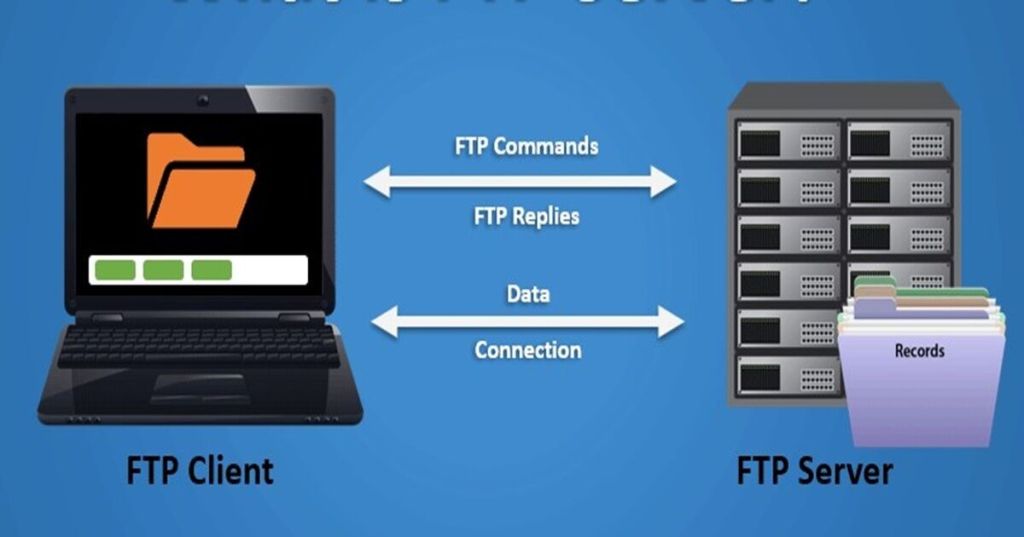
FTP (File Transfer Protocol) is a standard network protocol used to transfer files between a client and a server over a TCP-based network. It operates using two channels:
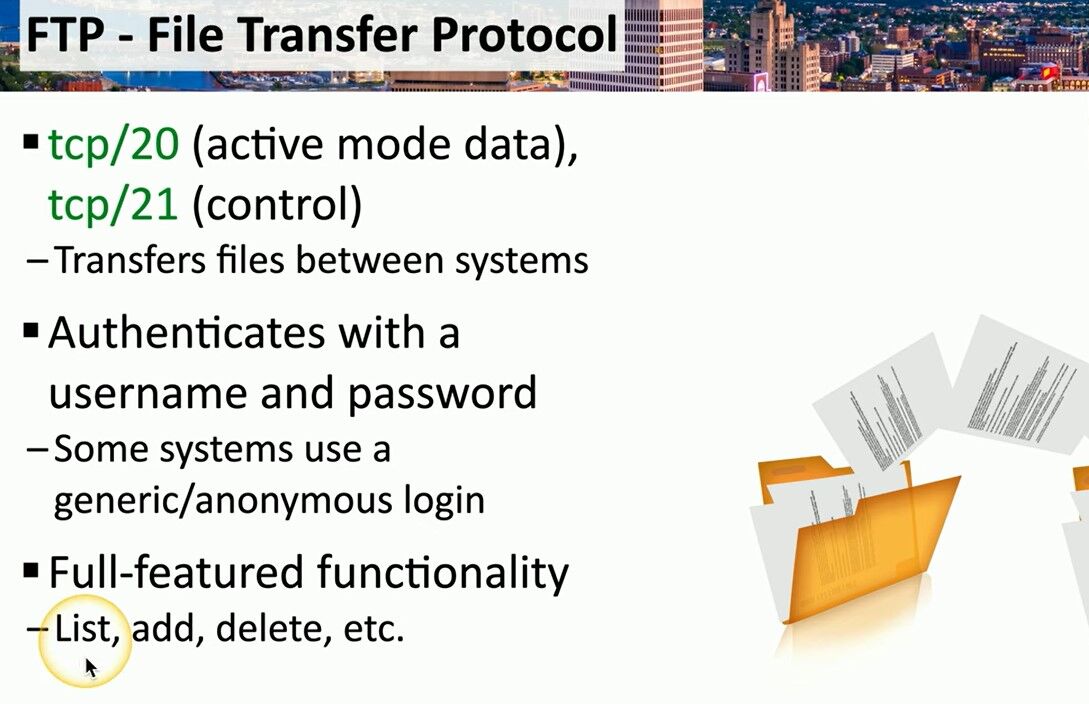
- TCP/21 – Control connection for commands and responses
- TCP/20 – Data transfer in active mode
Authentication and Security
FTP supports authentication using username and password. Some servers allow anonymous login, enabling access without credentials, but this is less secure. Modern implementations use FTPS (FTP Secure) or SFTP (SSH File Transfer Protocol) for encrypted communication.
What is SFTP?
SFTP (SSH File Transfer Protocol) is a secure alternative to FTP that runs over TCP/22 using SSH (Secure Shell). Unlike FTP, SFTP encrypts both commands and data, ensuring secure transmission. It also supports file operations like listing, renaming, and deleting.
File Management Functions
FTP is more than just a transfer protocol—it also provides file management capabilities, including:
- Listing files and directories (
LIST,NLST) - Renaming files (
RNFR,RNTO) - Deleting files (
DELE) and directories (RMD) - Creating directories (
MKD) - Changing working directory (
CWD)
Command Syntax Example
To rename a file on an FTP server, use:
RNFR old_filename.txt
RNTO new_filename.txt
For automation, FTP scripts or batch files can streamline tasks.
🔗 Visit Matching Tips for more insights on FTP operations!
#FileTransfer #FTPprotocol #NetworkSecurity
 the beginning of matching tips
Leave a comment