 homepage | the beginning of


Troubleshooting Slow Windows Domain Logins: Causes and Fixes
Slow login times are a major productivity killer in enterprise IT environments. The attached slide highlights the technical bottlenecks that often lead to these “snail-paced” experiences.
First, Roaming User Profiles can be a double-edged sword. While they allow a user’s desktop environment to follow them across workstations, syncing large amounts of data (like AppData or large Desktop folders) during login and logout creates a massive network bottleneck.
Second, Network Latency to the Domain Controller (DC) is a silent performance killer. The login process is highly chatty, often requiring hundreds or even thousands of LDAP queries to apply Group Policies (GPOs) and run login scripts. In high-latency scenarios, these sequential tasks add up to minutes of waiting.
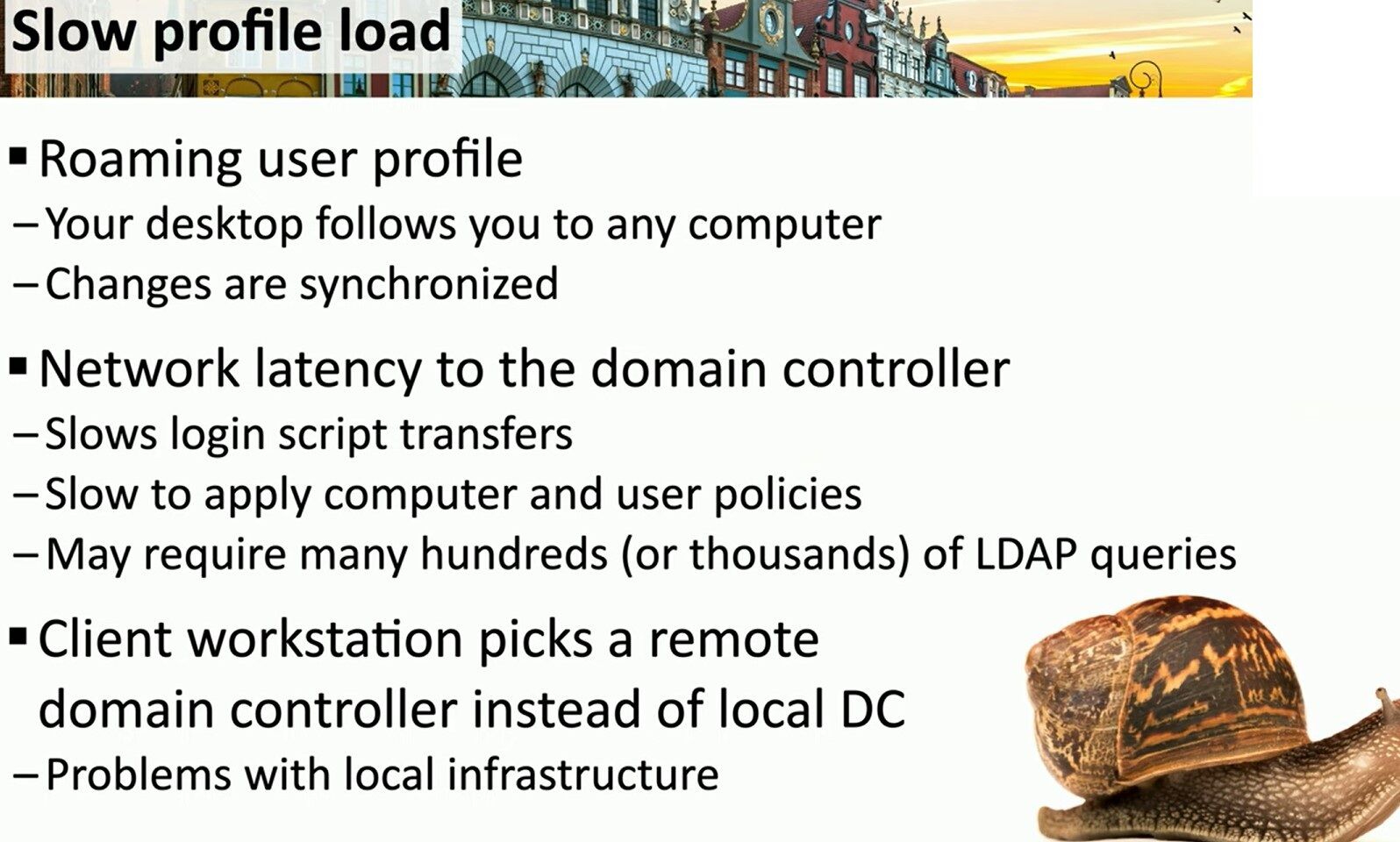
Finally, Suboptimal DC Selection is a common infrastructure issue. When Active Directory Sites and Services are misconfigured, a workstation might authenticate against a remote DC instead of a local one. This forces traffic through slow WAN links, bypassing local infrastructure benefits.
As a technical consultant, I recommend auditing AD topology and considering modern solutions like Folder Redirection or FSLogix to ensure a seamless and efficient user experience.
#WindowsServer #ActiveDirectory #SysAdmin
Visit my website for more technical insights: https://matteocasiraghi.it
 the beginning of matching tips
Leave a comment