 homepage | the beginning of

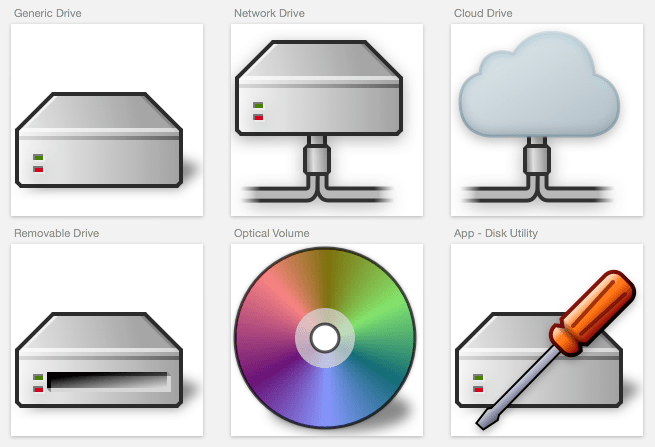
Managing disks and disk images is essential for maintaining your macOS system and securing your data.
Apple’s built-in Disk Utility stands out for its versatility, enabling users to resolve disk issues efficiently and manage storage devices with confidence.
Disk Utility’s key functions include verifying and repairing file systems—a vital process to maintain the health and integrity of your drives.
This utility also allows users to modify partition details, making it easier to optimize storage layouts or prepare drives for new uses.
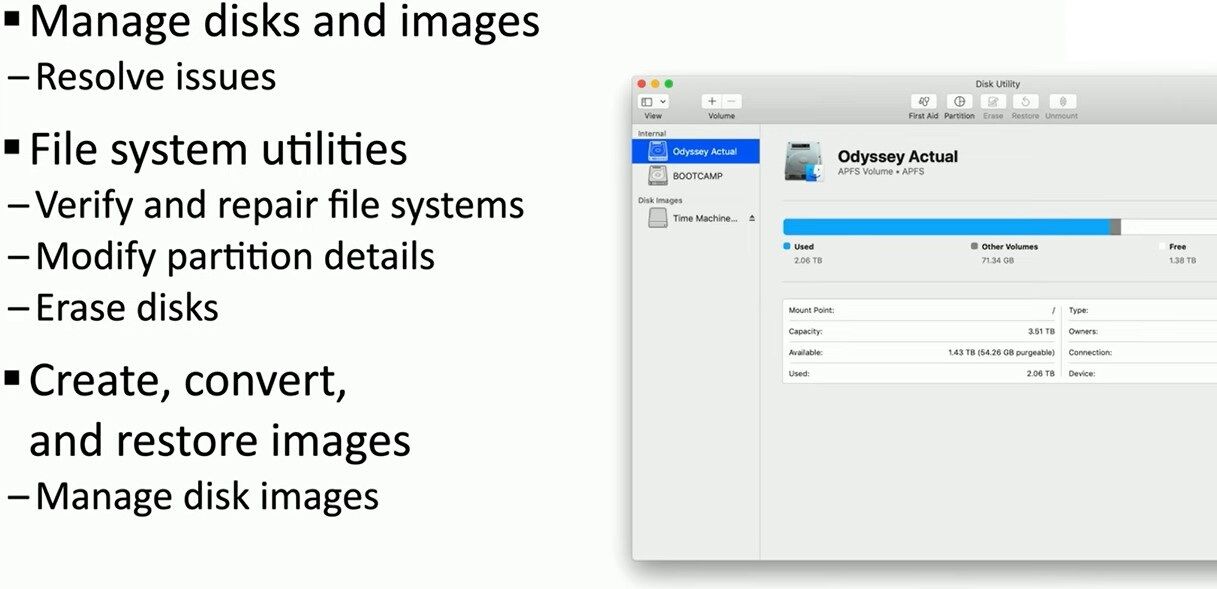
Additionally, erasing disks securely is just a click away, ensuring old data can be removed before repurposing or disposing of hardware.
Another powerful aspect is the creation, conversion, and restoration of disk images. You can easily manage backups, transfer system snapshots, or archive important datasets, confident that Disk Utility provides robust options for every requirement.
Its interface supports modern Apple file systems such as APFS, displaying precise information about capacity, available space, and overall usage.
Disk Utility enables access to First Aid, Partition, Erase, Restore, and Unmount tools directly from its main window, offering all disk operations in one central place.
Whether you are an IT consultant, a power user, or simply want to maintain your device’s performance, mastering these features ensures reliable disk management and data security.
For more detailed guides and advanced tips, visit my website at matteocasiraghi.it.
#DiskManagement #macOSTools #DiskUtility
 the beginning of matching tips
Leave a comment