 homepage | the beginning of


PCL or PostScript? Choosing the Right Print Driver
When configuring a printer in a Windows environment, choosing the correct driver type—PCL (Printer Command Language) or PostScript—can significantly impact print quality, compatibility, and performance.
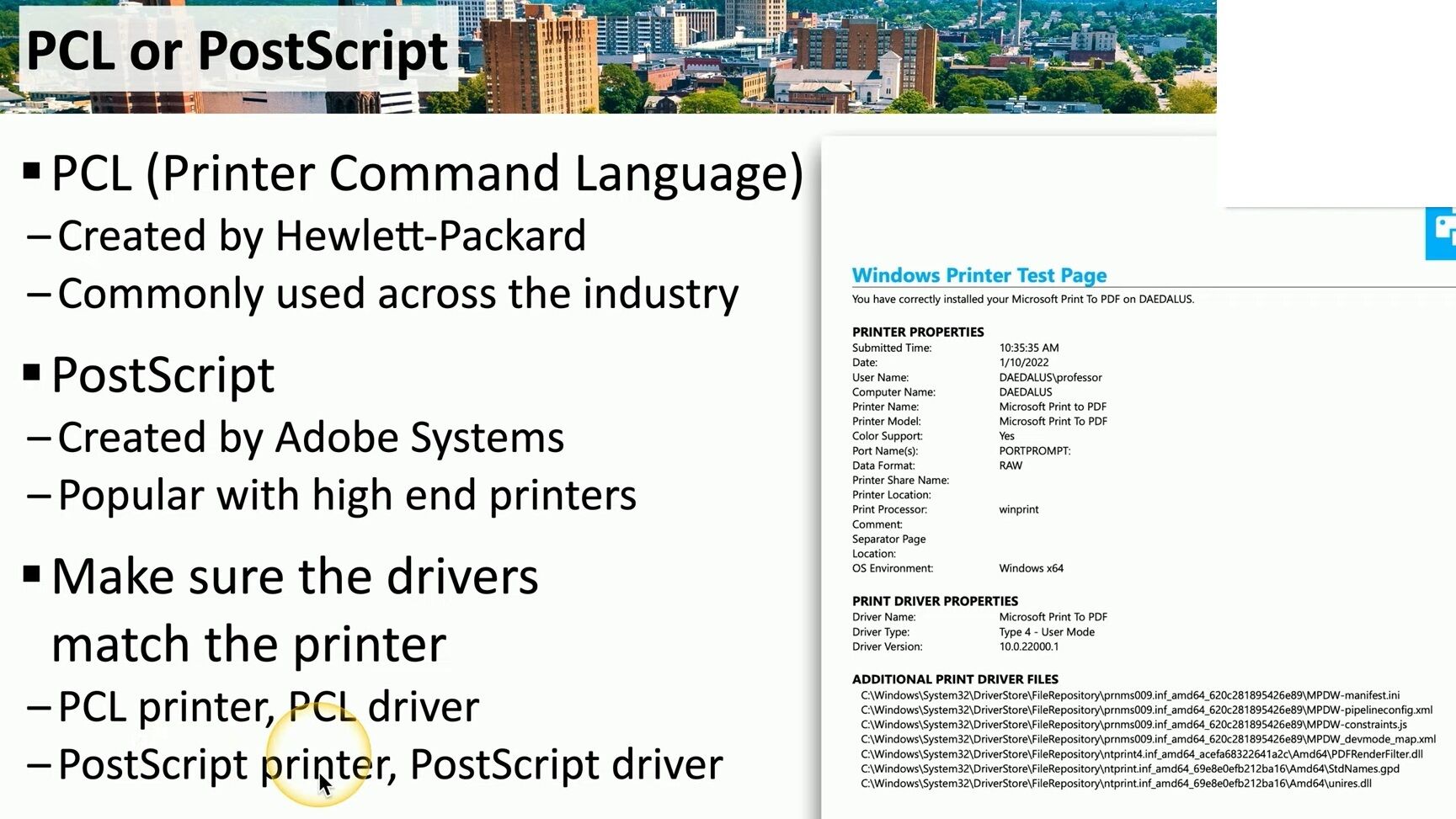
🔹 PCL, developed by Hewlett-Packard, is widely adopted across the industry. It is often the default choice for office printers because of its speed and broad hardware support. It’s ideal for high-volume text printing, and its relatively simple structure makes it faster—but sometimes less accurate in rendering complex graphics.
🔹 PostScript, created by Adobe Systems, is more sophisticated and widely used in high-end printing environments. It’s the preferred choice when dealing with graphic-intensive jobs or applications like desktop publishing. PostScript drivers interpret the document’s visual layout more accurately, resulting in more reliable and consistent print output, especially for images and vector graphics.
💡 Why matching matters:
Mismatching a driver and printer language may lead to printing errors, poor formatting, or even failed jobs.
✔️ Use a PCL driver for a PCL printer.
✔️ Use a PostScript driver for a PostScript printer.
Misalignment can also affect duplexing, tray selection, or finishing features. Always verify the printer’s supported languages and install the correct driver accordingly.
It’s a small step that can avoid major print issues.
👉 For more practical matching tips, visit:
🔗 matteocasiraghi.it
#PrinterDrivers
#PostScriptVsPCL
#ITInfrastructure
 the beginning of matching tips
Leave a comment