 homepage | the beginning of

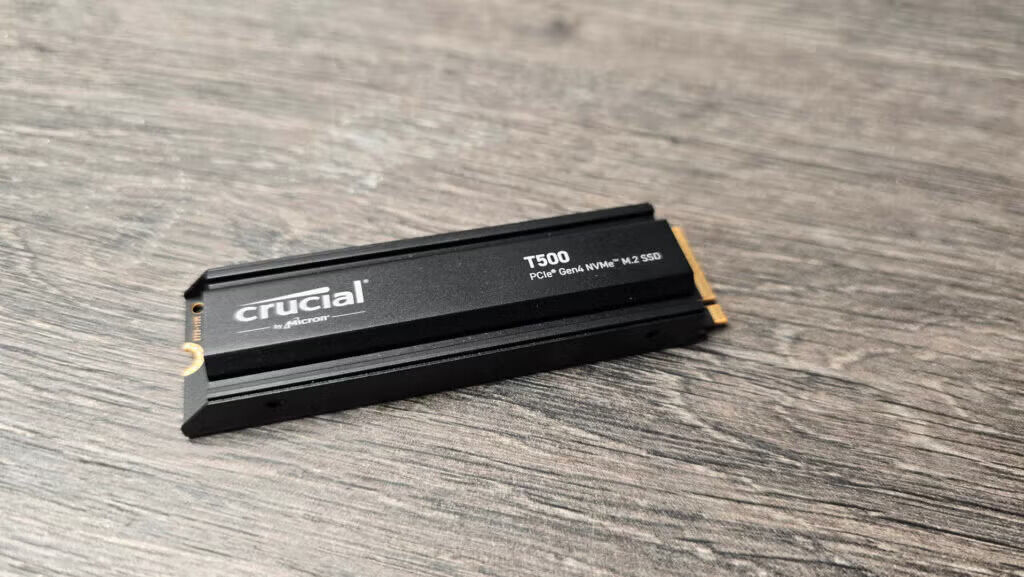
Understanding M.2 Keys: B-Key vs. M-Key and NVMe Compatibility
Many assume that M.2 slots automatically support NVMe SSDs, but this is not always the case. Understanding the difference between B-key and M-key is crucial when choosing the right storage device for your system.
1️⃣ M.2 Does Not Guarantee NVMe Support
- Some M.2 interfaces use AHCI instead of NVMe, leading to lower performance.
- AHCI is optimized for SATA drives, while NVMe is designed for high-speed PCIe SSDs, reducing latency and increasing throughput.
- Always check your motherboard’s documentation to confirm NVMe compatibility before purchasing an SSD.
2️⃣ Keying Matters: B-Key vs. M-Key
- M-Key (NVMe PCIe x4): Offers high-speed data transfer and is commonly used for modern NVMe SSDs.
- B-Key (SATA or PCIe x2): Typically supports SATA SSDs, but some may allow PCIe x2 connections, limiting performance.
- B+M Key: Designed for broader compatibility, but often operates at SATA speeds.
3️⃣ Your Motherboard May Support Only One Key Type
- Some motherboards only accept M-Key NVMe SSDs, while others support only B-Key SATA SSDs.
- Before upgrading, verify the supported key types and protocols in your system’s documentation.
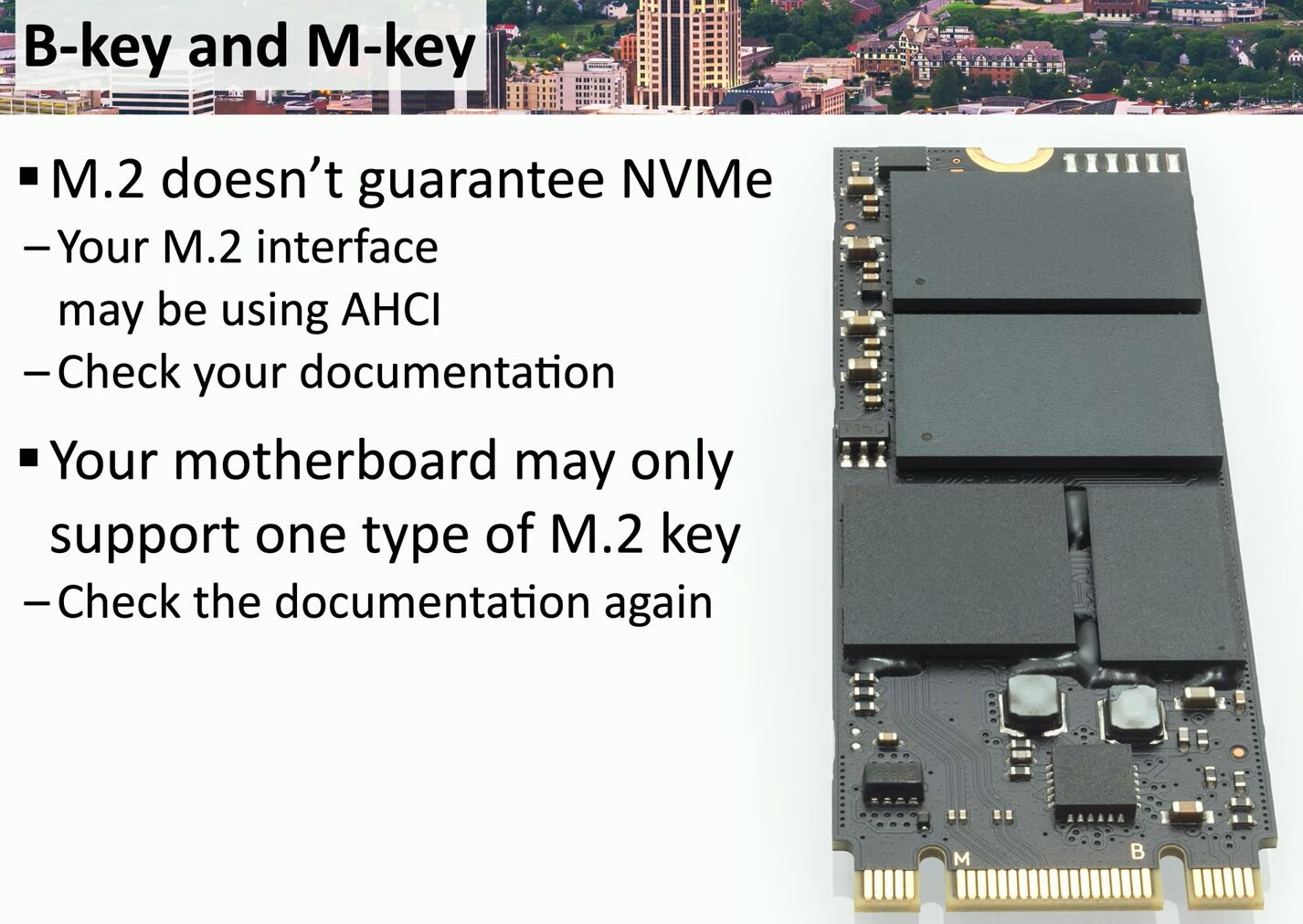
Choosing the wrong M.2 SSD can lead to compatibility issues or performance bottlenecks. Always ensure your slot, protocol, and keying match your requirements.
More insights on hardware compatibility? Visit matteocasiraghimc.wordpress.com
#M2SSD #NVMe #StorageTechnology
 the beginning of matching tips
Leave a comment