 homepage | the beginning of

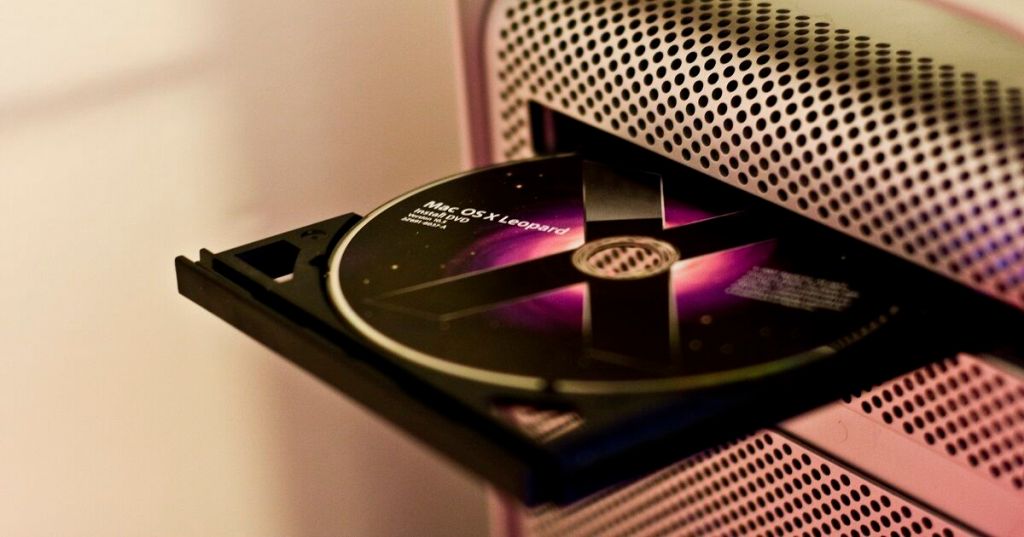
OS Reinstallation: Ensuring a Clean and Secure System
When dealing with malware or severe system issues, OS reinstallation is often the only guaranteed solution to restore stability and security. Let’s break down the approaches:
1. Fresh Install (Complete Reset)
This is the most secure option. By deleting everything and reinstalling the operating system from scratch, you eliminate any possibility of malware persistence. While time-intensive, it’s the most reliable.
2. Restore from Backup (Fast)
If you have a recent backup, this can be a quick solution. However, be cautious—ensure the backup itself is not infected. Always scan backup files with updated antivirus software before restoring them.
3. Manual Installation (Slowest)
This involves:
- Backing up critical data files.
- Installing the OS from official installation media.
This method provides control over every step, ensuring no unwanted software is installed, but it requires significant time and expertise.
4. System Imaging (Fastest)
Prebuilt system images offer a quick recovery option:
- User data is saved on a network share.
- Recovery occurs via an image that restores the system to a predefined, clean state.
Ideal for enterprises, this is a fast and reliable solution, provided the image is up-to-date.
Final Tip:
Always maintain backups and system images for emergency situations, and verify their integrity regularly.
Learn more about system recovery and security here: matteocasiraghimc.wordpress.com
#OSReinstallation #SystemRecovery #CyberSecurity

 the beginning of matching tips
Leave a comment