 homepage | the beginning of

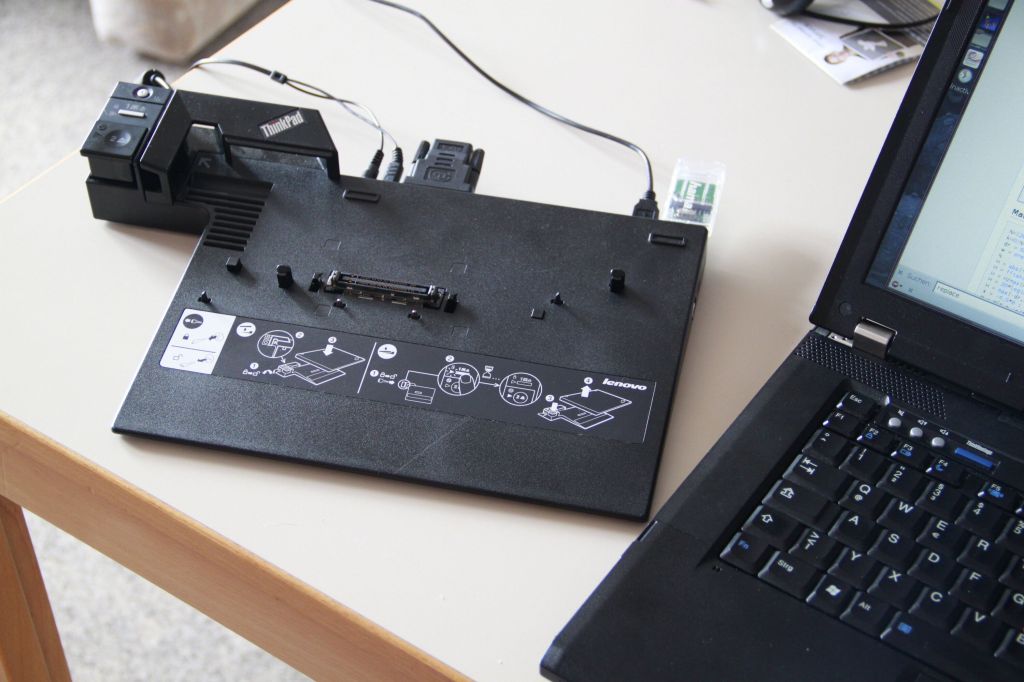
**Understanding Docking Stations and Port Replicators**
A **docking station** is a powerful tool that transforms your laptop into a full workstation by allowing you to connect external devices like keyboards, mice, and multiple monitors. It extends your laptop’s interfaces with additional ports, including USB, Ethernet, and HDMI, offering more versatility and functionality.
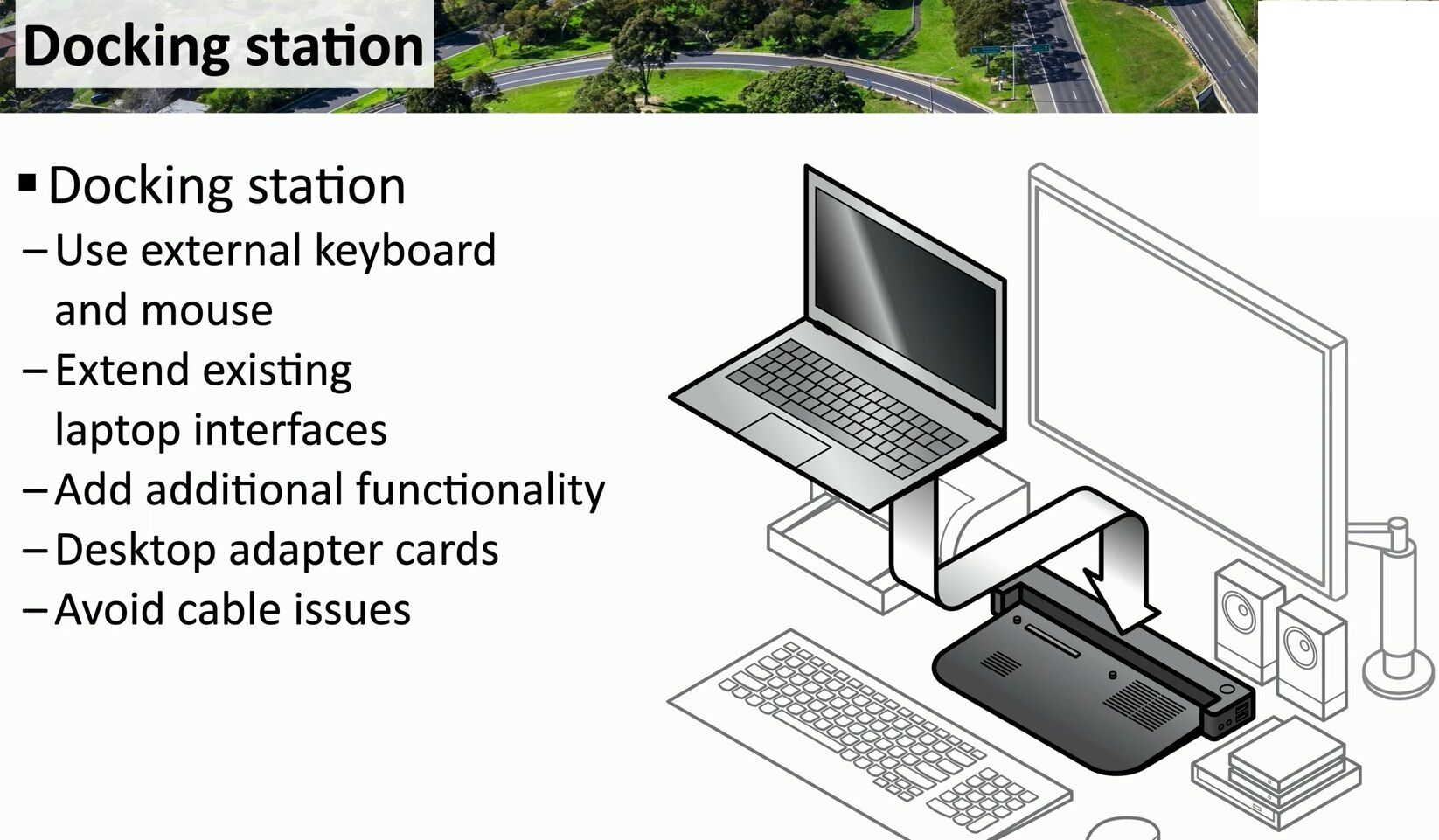
One of the major advantages of using a docking station is the significant reduction in **cable issues**. By consolidating all your connections into one central hub, it keeps your workspace organized and free of clutter. This is particularly useful in environments where you’re frequently disconnecting and reconnecting your laptop.
Docking stations go beyond just replicating existing ports like a **port replicator** does. While a port replicator simply mirrors the ports already available on your laptop, a docking station offers extra features such as dedicated power supplies, more connectivity options, and even desktop adapter cards for additional functionality.
For users who need a more permanent setup and wish to avoid the hassle of managing multiple cables, docking stations are an ideal solution for boosting productivity and efficiency.
#DockingStation #TechSetup #CableManagement
 the beginning of matching tips
Leave a comment