 homepage | the beginning of

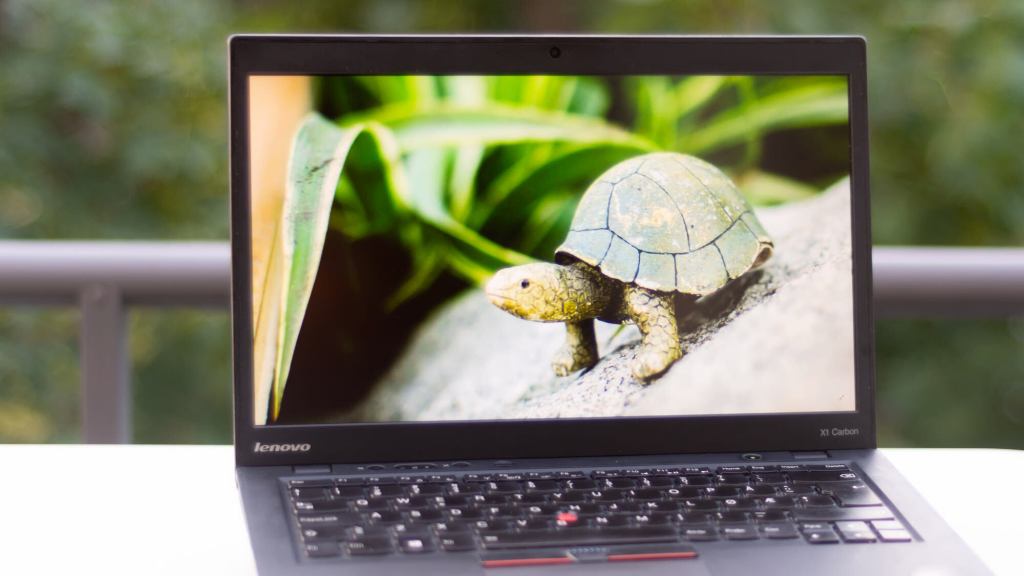
Your device is running slowly?
When your device is running slowly, causing screen lags and poor input response, there are a few key actions you can take to resolve it.
First, the simplest solution: **Restart** the device. This clears the system and can resolve minor glitches. It’s like giving your system a fresh start.
Next, **check for OS and app updates**. Bugs in software can slow things down, and updates are often designed to fix these issues. Keeping your operating system and apps up to date ensures that any known problems are patched.
**Close unused applications**—they consume resources even when you’re not actively using them. By closing them, you free up memory and processing power, allowing the system to function more smoothly.
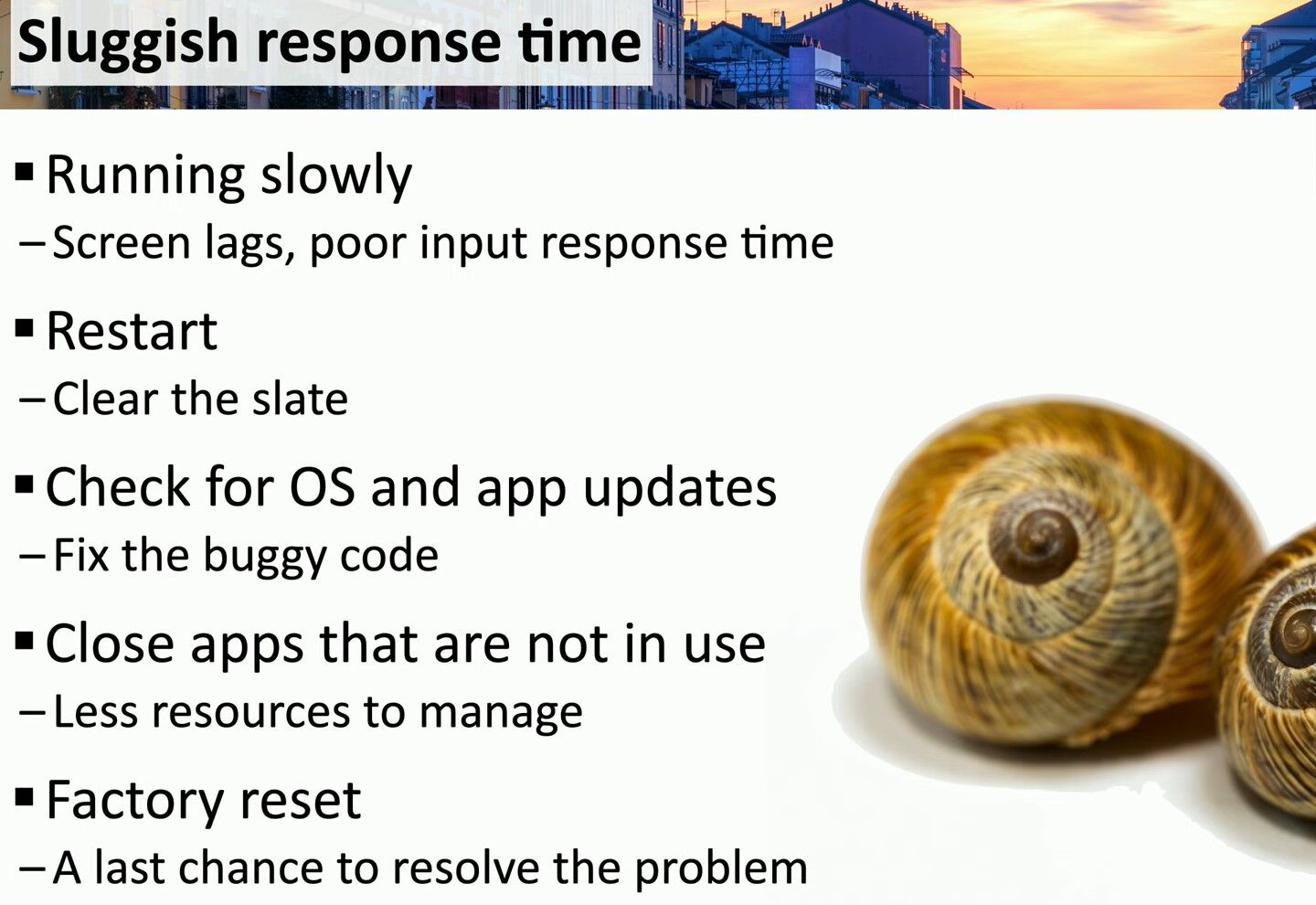
Lastly, if all else fails, consider a **factory reset**. This is your last resort, but it effectively wipes out all customizations and data, restoring the system to its original state.
It’s a drastic measure but can often resolve persistent performance problems.
Slow systems can be frustrating, but following these steps can help you troubleshoot and regain efficiency. Remember, a little system maintenance goes a long way in keeping your device running smoothly.
#SystemMaintenance #TechTips #DevicePerformance
 the beginning of matching tips
Leave a comment