 homepage | the beginning of


**Addressing System Instability: A Step-by-Step Guide to Diagnosing and Resolving Issues**
System instability can be frustrating and disruptive, often manifesting as software errors, system hangs, or application failures. These issues can stem from a variety of causes, ranging from software glitches to hardware malfunctions. To restore your system to proper working order, it is essential to conduct a thorough diagnostic process. Below is a structured approach to help you diagnose and resolve system instability.
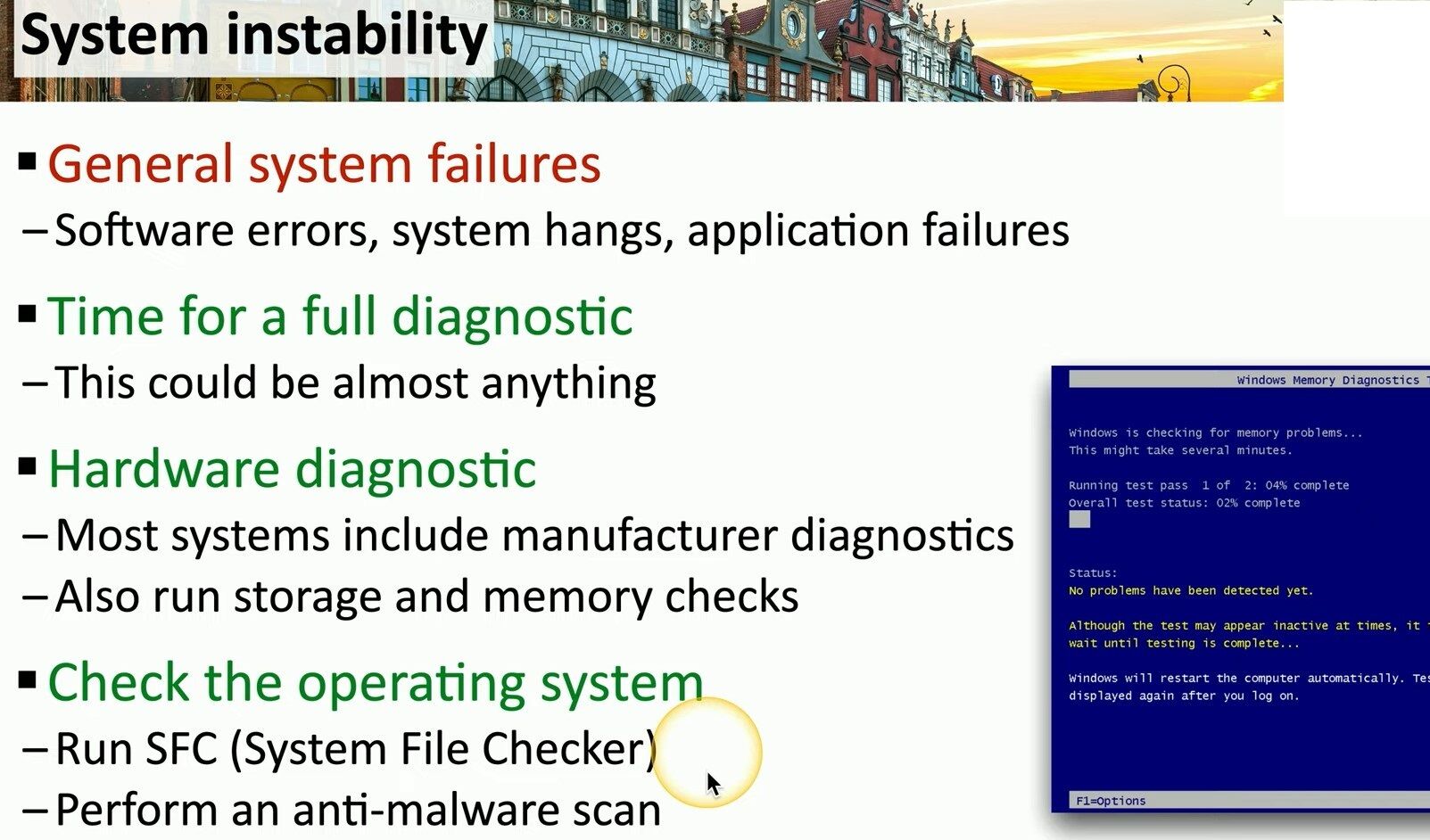
**1. General System Failures:**
When experiencing frequent crashes, software errors, or a frozen system, it’s important to understand that these symptoms can be caused by numerous factors. Whether it’s a faulty driver, a corrupted file, or failing hardware, identifying the root cause is key to resolving the issue.
**2. Full Diagnostic:**
Given the wide range of possible causes, running a full diagnostic is the next logical step. Most systems come with built-in manufacturer diagnostics, which are specifically designed to identify hardware issues. These tools can help pinpoint problems with your components, such as the processor, motherboard, or cooling system.
**3. Hardware Diagnostic:**
If hardware is suspected, running targeted tests is crucial. Many manufacturers provide diagnostic tools that can be accessed during boot. Additionally, it’s advisable to run checks on your storage (hard drives or SSDs) and memory (RAM) to rule out issues with these critical components. A faulty storage device or corrupted memory can often be the source of instability.
**4. Operating System Checks:**
If hardware diagnostics do not reveal any issues, it’s time to turn your attention to the operating system. Run the **System File Checker (SFC)** to identify and repair any missing or corrupted system files that could be causing instability. Furthermore, perform a comprehensive anti-malware scan to ensure that your system is not compromised by malicious software, which can also lead to erratic behavior.
By following these steps, you can systematically diagnose and address system instability. Whether the issue lies in hardware or software, taking a methodical approach will increase the likelihood of resolving the problem efficiently and effectively.
#SystemDiagnostics #PCRepair #Troubleshooting
 the beginning of matching tips
Leave a comment