 homepage | the beginning of

🚀 Watch Out for Phishing Scams: Stay Safe Online! 🚀
Hey there, internet explorers! 🌐 Ever stumbled upon a website that looks just like your bank’s homepage? It’s so convincing, right? Well, that might just be a phishing scam! 🕵️♂️ These scams can be part of a broader attack called “on-path” (or “man-in-the-middle”), where attackers intercept your communications, potentially even opening new bank sessions and transferring money without your knowledge. Let’s dive into what phishing is, how to spot it, and how to protect yourself, all while keeping it fun and fresh. 😎
What is Phishing?
Phishing is like a bad prank where cybercriminals create fake websites that look exactly like real ones. Their goal? To trick you into entering your personal information, like your login credentials, credit card numbers, or even your social security number. 🏦 These scammers are sneaky and crafty, but don’t worry—we’re here to help you outsmart them!
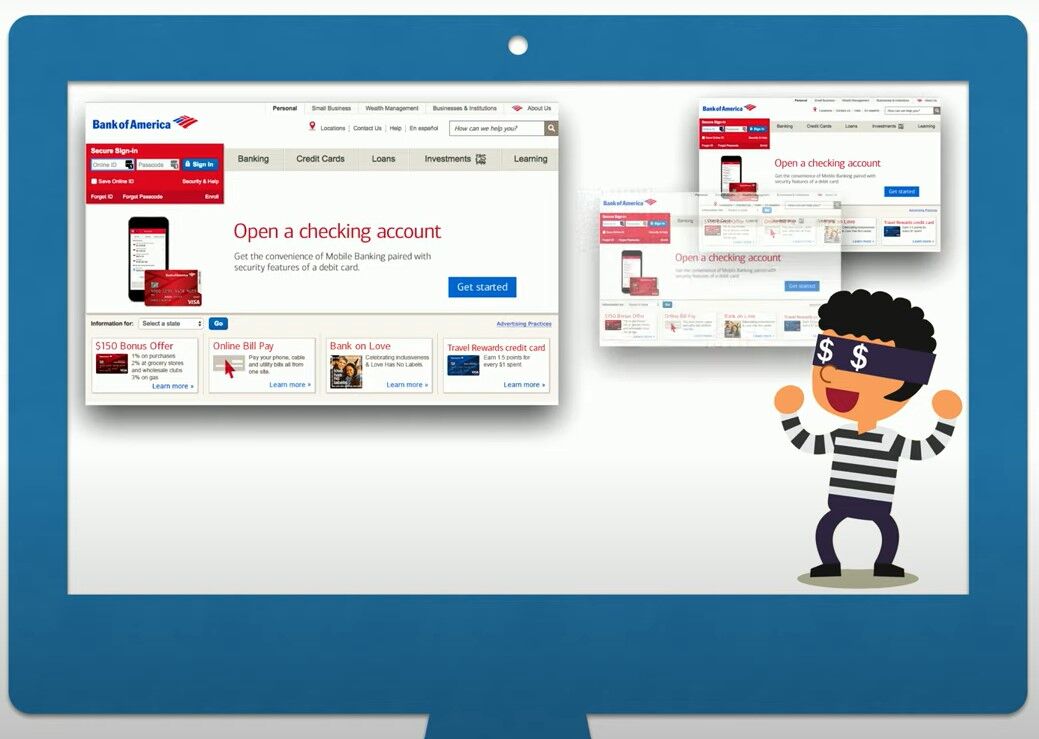
How to Spot a Phishing Scam
Here’s a quick guide to becoming a phishing detective:
- Check the URL: Always look at the web address. Phishing sites often have URLs that are slightly off, like www.bankofarnerica.com instead of www.bankofamerica.com. 🕵️♀️
- Look for HTTPS: Real bank websites use HTTPS, not HTTP. The ‘S’ stands for secure. Look for the padlock icon in the address bar. 🔒
- Beware of Urgent Language: If a site is urging you to take immediate action or face consequences, be cautious. Scammers love to create a sense of urgency. ⏰
- Pop-Up Requests: Legitimate websites don’t usually ask for personal information through pop-up windows. If you see one, close it immediately. 🚫
- Suspicious Emails: Phishing often starts with an email that looks like it’s from your bank. Look for signs like poor grammar, unfamiliar sender addresses, and unexpected attachments or links. 📧
Protecting Yourself from Phishing and On-Path Attacks
Now that you know how to spot phishing attempts, here are some tips to keep your information safe from these more sophisticated attacks:
- Use Strong Passwords: Create complex passwords using a mix of letters, numbers, and symbols. Avoid using easily guessable info like your birthday. 🔐
- Enable Two-Factor Authentication (2FA): This adds an extra layer of security by requiring a second form of verification, like a text message code. 📲
- Keep Software Updated: Regularly update your browser and antivirus software to protect against the latest threats. 🛡️
- Verify Before You Click: Always verify the source before clicking on links in emails or messages. When in doubt, go directly to the website by typing the URL into your browser. 🔗
- Educate Yourself: Stay informed about the latest phishing tactics and on-path attacks. Knowledge is your best defense! 🧠
- Monitor Your Accounts: Regularly check your bank and other sensitive accounts for any unauthorized activity. The sooner you spot it, the better. 🔍
Summing It Up
Phishing scams and on-path attacks are on the rise, with cybercriminals becoming more sophisticated every day. But with a little knowledge and vigilance, you can keep your information safe and stay one step ahead. 🏃♂️💨
Next time you’re online, remember these tips and keep your guard up. If something feels off, trust your instincts and investigate further.
Stay safe, surf smart, and keep those phishers and on-path attackers at bay! 🐟🚫
👉 Learn more tips and tricks at matteocasiraghimc.wordpress.com.
#CyberSecurity #StaySafeOnline #PhishingAwareness
 the beginning of matching tips
Leave a comment