 homepage | the beginning of

The Importance of Windows Upgrades and Version Compatibility
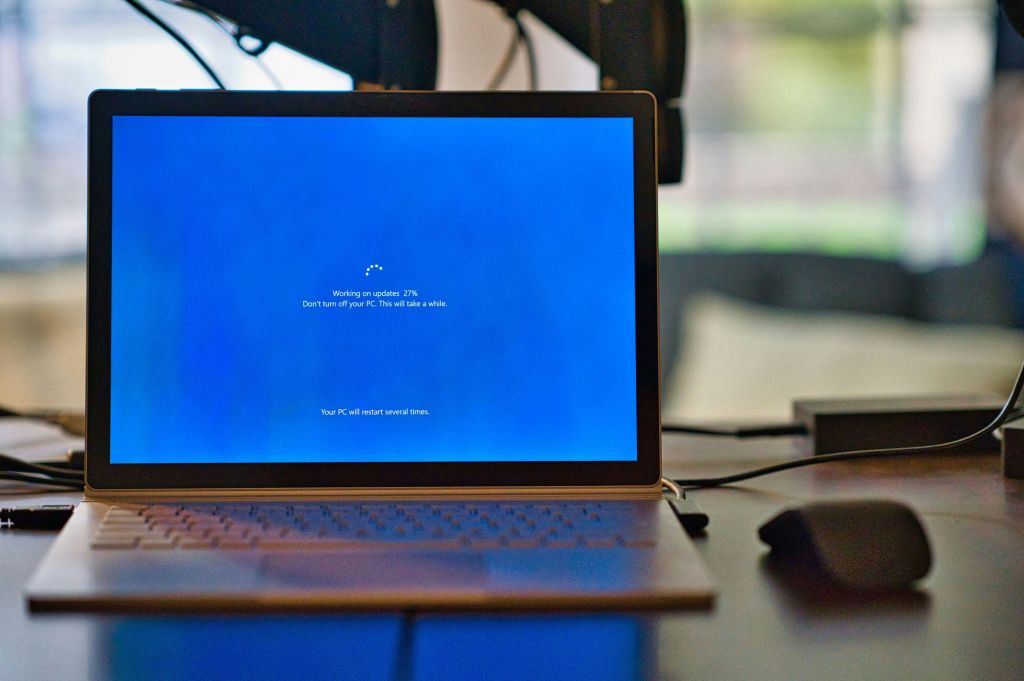
Upgrading your Windows operating system is a crucial task for several reasons. It ensures that your system is secure, offers the latest features, and maintains compatibility with new software. Understanding the paths available for in-place upgrades can simplify the process, ensuring a smooth transition between different versions of Windows.
Why Upgrade Windows?
- Security Enhancements: Newer versions of Windows come with improved security features. Upgrading protects your system from vulnerabilities that might be present in older versions.
- Performance Improvements: Upgrades often include optimizations that can enhance the speed and efficiency of your system.
- New Features: Each new version of Windows introduces features that can improve your productivity and user experience.
- Software Compatibility: As software developers update their applications, they may require the latest versions of Windows to run efficiently.
Upgrade Paths to Windows 10
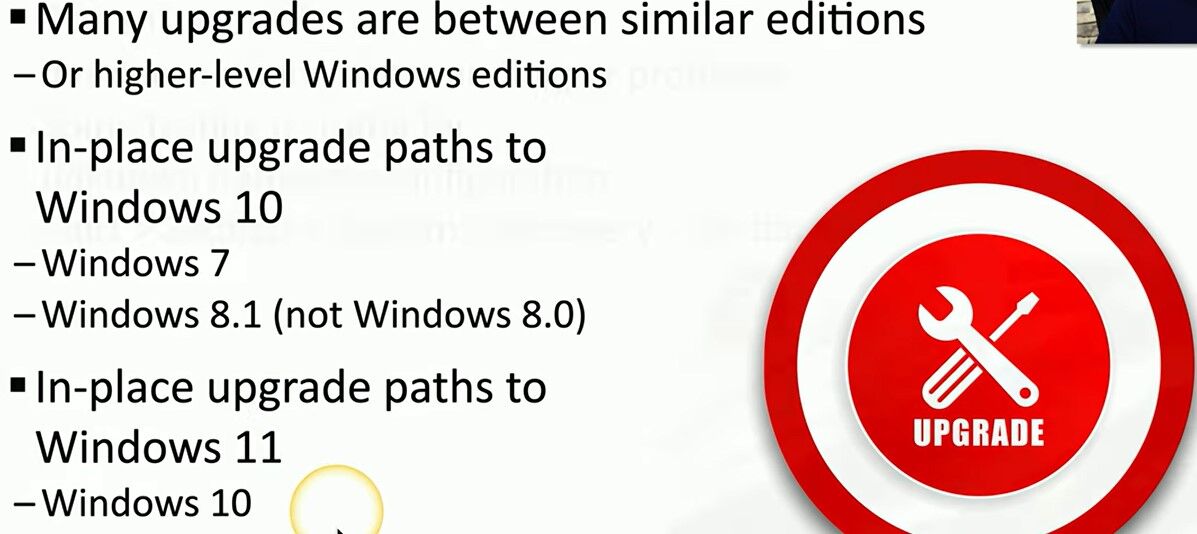
Windows 8.0 does not have a direct in-place upgrade path to Windows 10; users must first upgrade to Windows 8.1. The in-place upgrade process allows you to keep your files, settings, and applications intact, providing a seamless transition to a newer OS.
- From Windows 7 to Windows 10: Users can upgrade directly from Windows 7 to Windows 10. This process is straightforward and can be done via the Windows Update tool or using an installation media.
- From Windows 8.1 to Windows 10: Windows 8.1 users can also perform a direct upgrade to Windows 10. As with Windows 7, this can be achieved through the Windows Update tool or by using an installation media.
Upgrade Paths to Windows 11
- From Windows 10 to Windows 11: Users running compatible hardware can upgrade directly from Windows 10 to Windows 11 through the Windows Update tool. This process ensures that your files, settings, and applications are preserved.
It’s essential to check the system requirements for Windows 11, as it has more stringent hardware prerequisites compared to Windows 10.
Conclusion
Upgrading your Windows operating system is vital for maintaining security, performance, and compatibility with new software. Understanding the in-place upgrade paths available can help you transition smoothly from older versions to Windows 10 or Windows 11. Always ensure your hardware meets the necessary requirements before proceeding with an upgrade to avoid potential issues.
#WindowsUpgrade #TechTips #MicrosoftWindows
 the beginning of matching tips
Leave a comment