 homepage | the beginning of

Understanding NTFS: The Windows-Centric File System
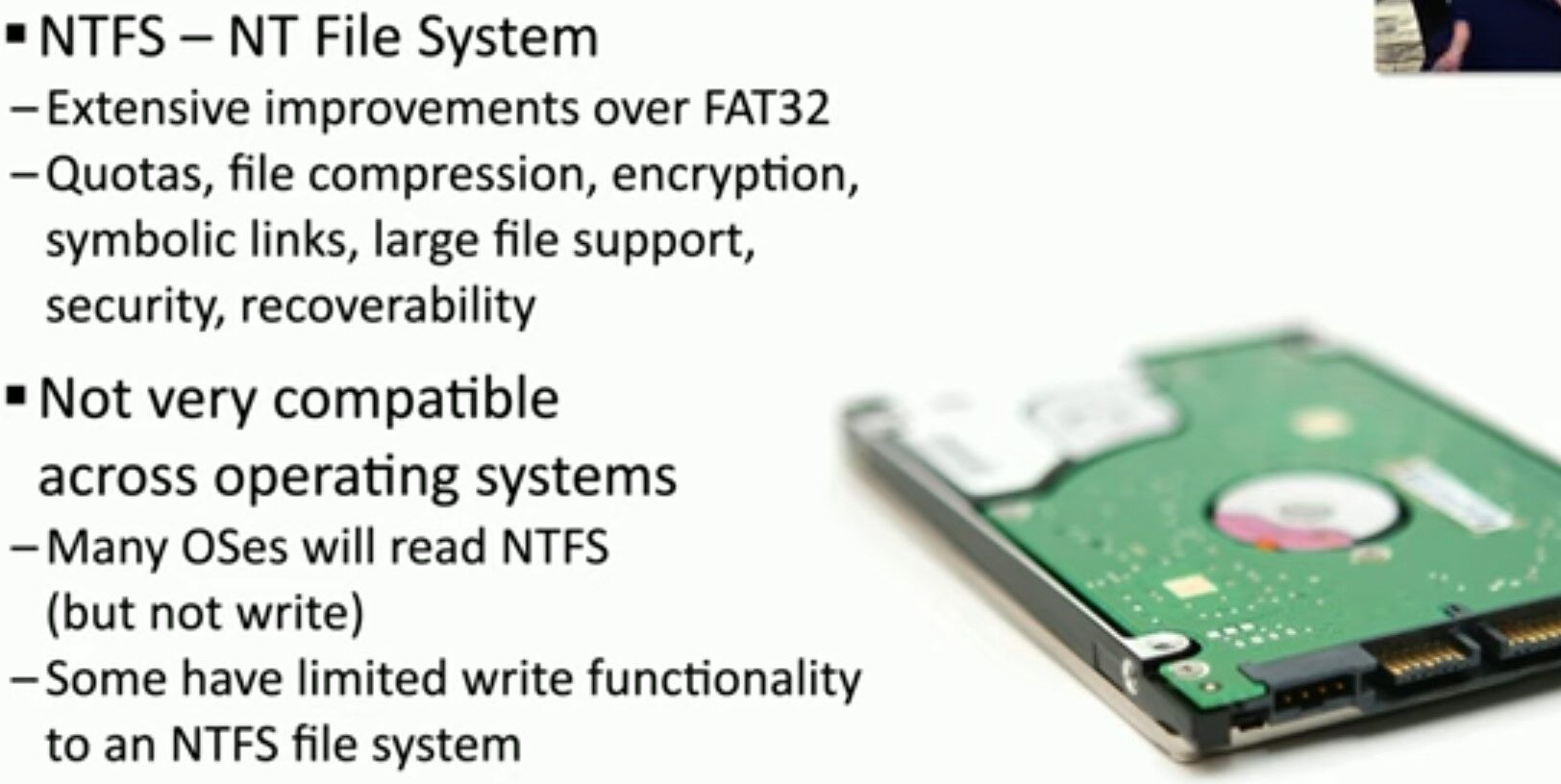
NTFS, or NT File System, is a robust and advanced file system developed by Microsoft. It offers several significant improvements over the older FAT32 system, making it the preferred choice for modern Windows operating systems.
Key Features of NTFS:
- Advanced Functionality: NTFS supports quotas, file compression, encryption, symbolic links, large file support, and enhanced security features.
- Enhanced Security: With NTFS, you can set permissions and encryption to protect your data from unauthorized access.
- Recoverability: NTFS includes built-in features for data recovery, making it more resilient to corruption and data loss compared to FAT32.
Compatibility Considerations:
- Limited Cross-OS Compatibility: While many operating systems can read NTFS, they often have limited or no ability to write to NTFS-formatted drives.
- Read-Only Access: Non-Windows systems, such as macOS and some Linux distributions, typically offer read-only support for NTFS, allowing you to access your files but not modify them.
- Limited Write Functionality: Some OSes and third-party tools provide limited write capabilities to NTFS, but they may not support all NTFS features or offer the same level of reliability.
NTFS remains a powerful and versatile file system for Windows users, offering extensive features that enhance performance, security, and data management. However, if you need to share data across different operating systems, be mindful of the compatibility limitations and consider using a more universally supported file system for those purposes.
#NTFS #FileSystem #Windows #TechTips #DataManagement #ComputerSecurity
 the beginning of matching tips
Leave a comment