 homepage | the beginning of


Mastering File Copying with Robocopy on Windows: A Superior Alternative to Xcopy
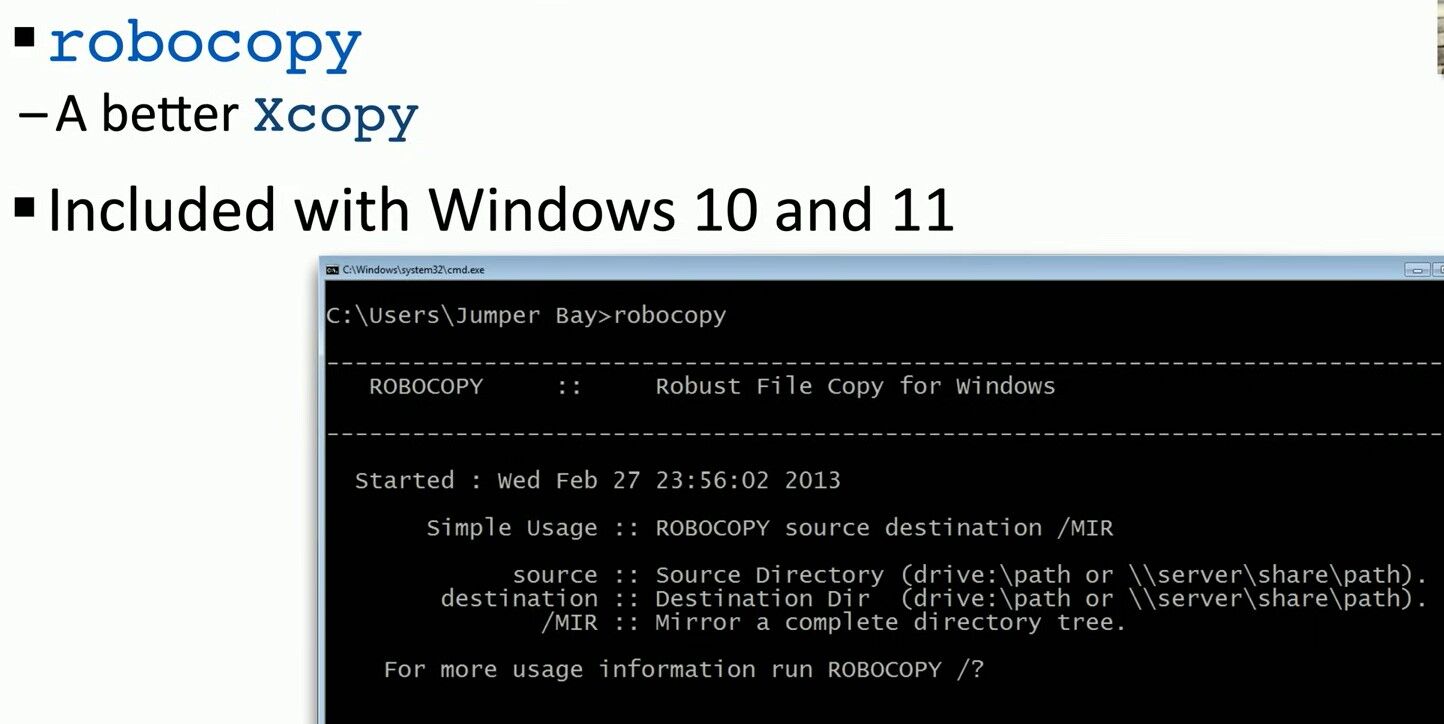
When it comes to file copying on Windows, many users turn to the basic xcopy command. However, there’s a more powerful tool available: robocopy. This command-line utility offers advanced capabilities that surpass xcopy in many ways.
Why Robocopy is Better
Robocopy, or “Robust File Copy,” is designed for reliability and efficiency. It handles interruptions and network issues gracefully, resumes operations from where they left off, and skips identical files to save time. It also provides detailed logs and supports copying file data, attributes, timestamps, and NTFS ACLs.
Basic Usage
The basic syntax for robocopy is:
robocopy [destination] [file(s)] [options]
Creating a Mirror with Robocopy
To create an exact copy of a directory, including subdirectories and files, use the /MIR option. This ensures that the destination directory is a mirror of the source directory, reflecting all changes, including deletions.
Example command: robocopy C:\Source D:\Destination /MIR
C:\Source: Path to the source directory.D:\Destination: Path to the destination directory./MIR: Mirrors the directory tree.
Practical Applications
Backing Up Data
For backing up important data, robocopy with /MIR keeps your backup updated with the latest changes, ensuring data integrity.
Data Migration
During system migrations, robocopy can transfer files while preserving their properties, making it ideal for reliable data migration.
Scheduled Backups
You can schedule robocopy commands using Windows Task Scheduler to automate regular backups, ensuring your files are always protected.
Conclusion
Robocopy is an essential tool for efficient and reliable file copying on Windows. Its advanced features make it superior to xcopy, particularly for large volumes of data and complex directory structures. Using the /MIR option allows for seamless synchronization of directories, perfect for backups and migrations. For more details, refer to the official Microsoft documentation.
This summary provides an overview of why robocopy is a better alternative to xcopy, how to use it to create a mirror of a directory, and its practical applications for backups and data migrations.
 the beginning of matching tips
Leave a comment